Oven Lights-
Operation/Replacement
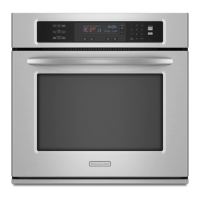
Oven light(s) automatically come on in
the oven(s) when an oven door is
opened. The light(s) can be turned on
when the doors are closed by pushing
the Oven Light Switch on the control
panel.
Electrical Shock And
Personal Injury Hazard
• Make sure oven and
light bulb are cool and power
to the oven has been turned
OFF before replacing the
light bulb. Failure to do so
could result in electrical shock
or burns.
• The lens must be in place
when using the oven. The
lens protects the bulb from
breaking, and from high oven
temperatures, Broken glass
could cause injury.
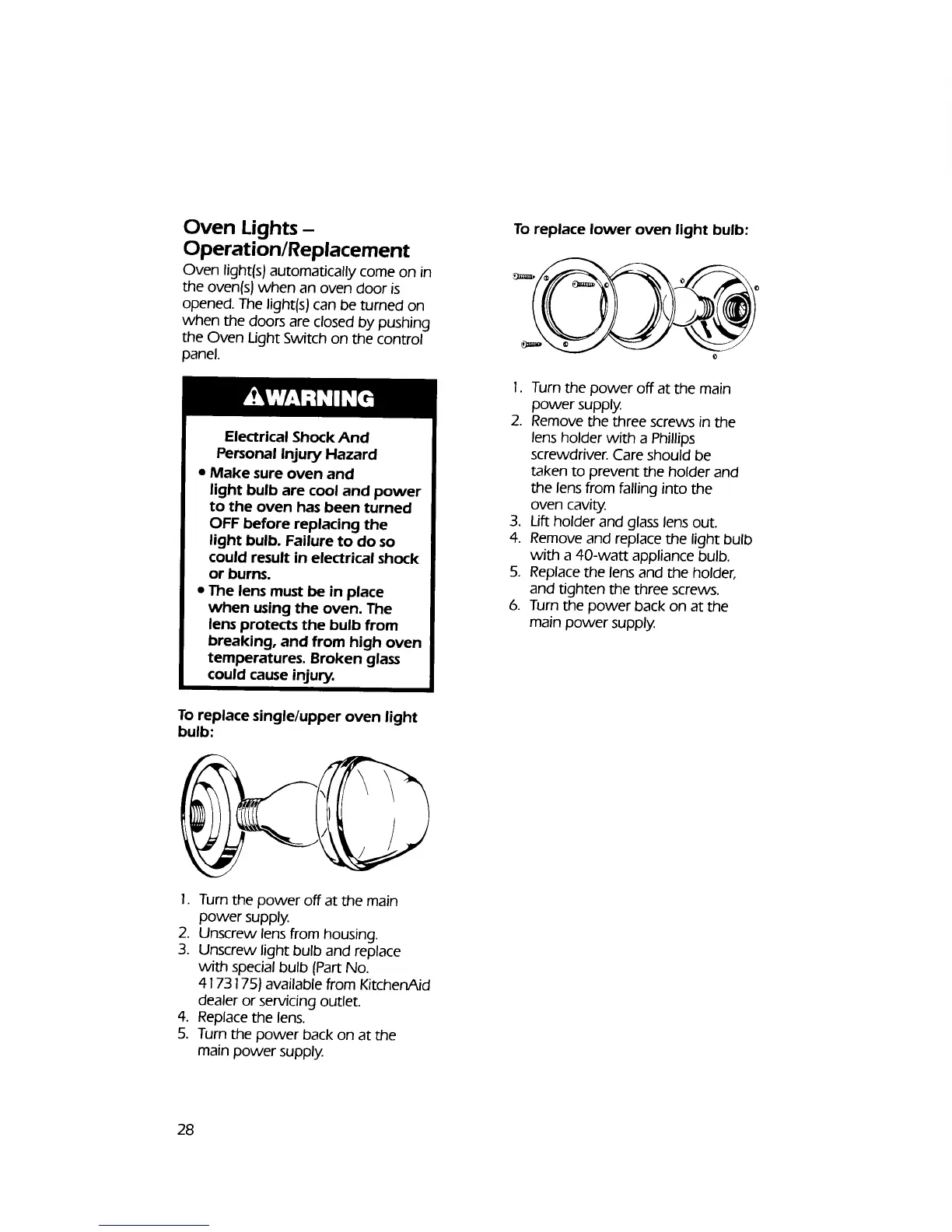
To replace single/upper oven light
bulb:
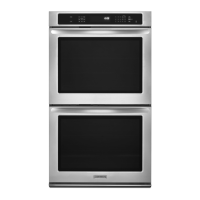
To replace lower oven light bulb:
1. Turn the power off at the main
power supply.
2. Remove the three screws in the
lens holder with a Phillips
screwdriver. Care should be
taken to prevent the holder and
the lens from falling into the
oven cavity.
3. Lift holder and glass lens out.
4. Remove and replace the light bulb
with a 40-watt appliance bulb.
5. Replace the lens and the holder,
and tighten the three screws.
6. Turn the power back on at the
main power supply.
1. Turn the power off at the main
power supply.
2. Unscrew lens from housing.
3. Unscrew light bulb and replace
with special bulb (Part No.
4173175) available from KitchenAid
dealer or servicing outlet.
4. Replace the lens.
5, Turn the power back on at the
main power supply.
28



 To Next Page