38 39
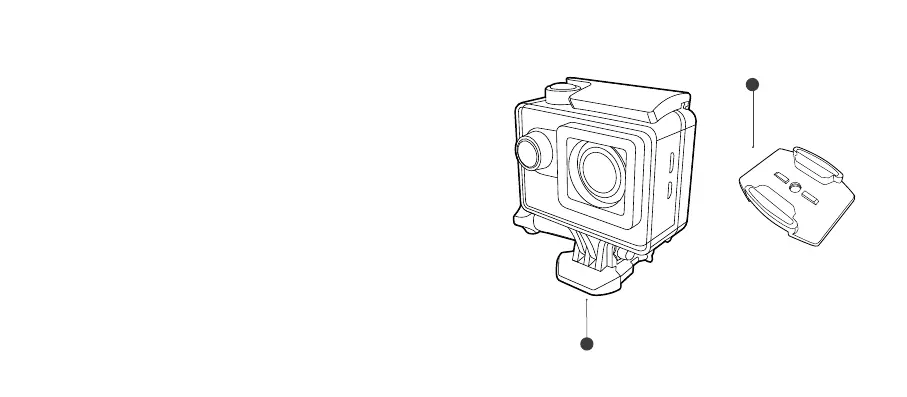
Fixing the camera to a board/at surface
1. Ensure the surface is clean and dry before applying the
adhesive mount.
2. Peeloadhesivepaperandstickthemountinthedesired
position.
3. Fix the camera to the Mount Clip (i).
4. Attach the camera assembly to the Adhesive Mount (C) by
slidingitinuntilyouhearit“Click”intoposition.
(“Click”)
(i)
C



 To Next Page