26 27
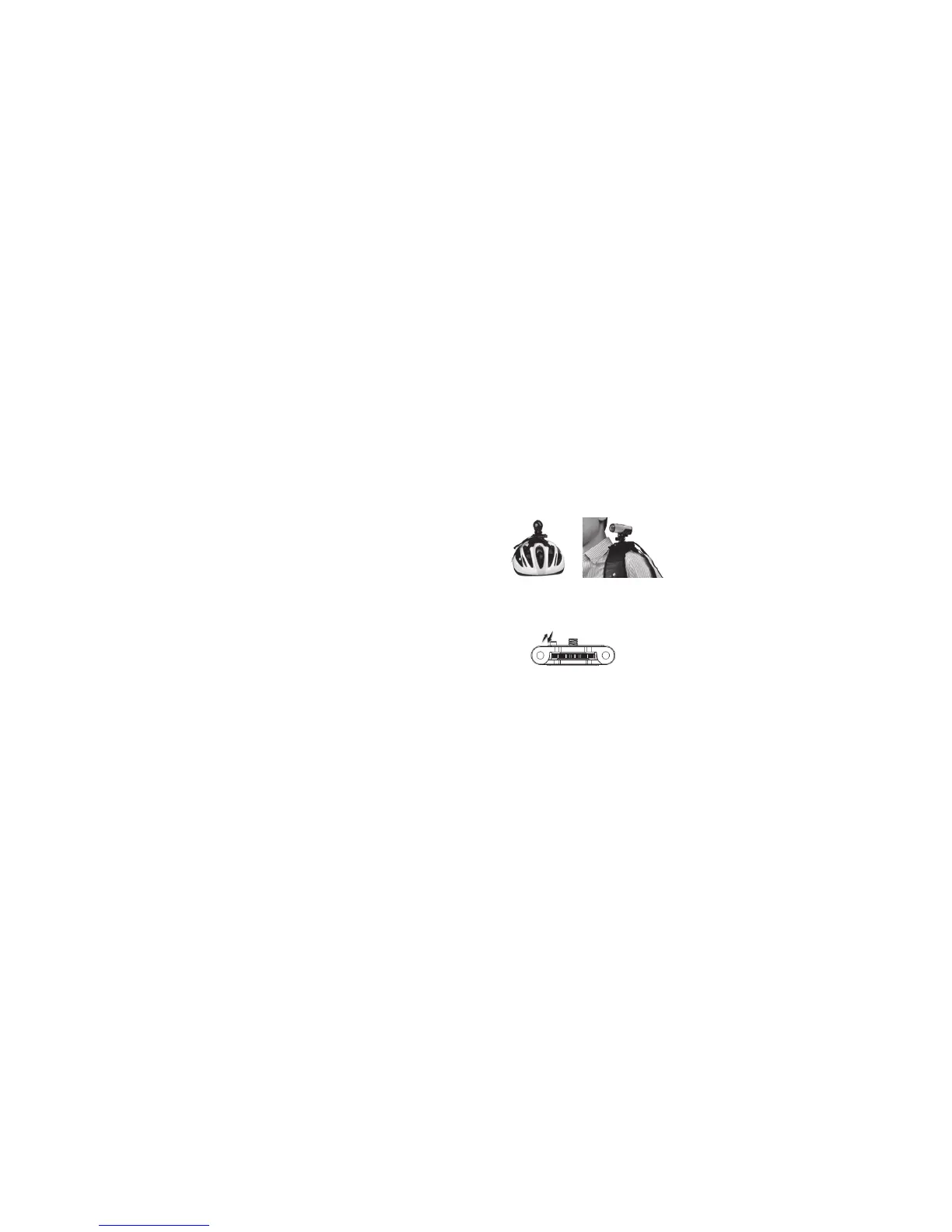
[...continued] Mounting onto your bike helmet/backpack
4. Fasten the strap and tighten the strap clip.
5. Repeat the above steps on the opposite end of the strap until the Strap Mount is firmly attached to the helmet.
6. There are three ways to mount the camera onto the Body Piece: Either use the Tilting Head Adaptor or Quick Release
Adaptor socket to mount your camera onto the Body Piece, or attach your camera directly onto the Body Piece.
•AttachingyourcameratotheBodyPieceviatheTiltingHeadAdaptor(fordetailsonhowtoattachtheTiltingHead
Adaptor to your camera, please refer to ‘Attaching the Tilting Head Adaptor to your camera’, page 21)
Note:Thecamerapositioncanbeadjustedhorizontally,plusthecameraanglecanberotatedupwardsordownwards
by loosening or tightening the nut on the Tilting Head Adaptor.
•AttachingyourcameratotheBodyPieceviatheQuickReleaseAdaptorandQuickReleaseAdaptorsocket(fordetails
on how to attach the Quick Release Adaptor with socket to your camera, please refer to ‘Attaching the Quick Release
Adaptor with socket to your camera’, page 21)
Note:Thecamerapositioncanbeadjustedhorizontallywhenusingthismethod.
•AttachingthecameradirectlyontotheBodyPiece
Note:Thehorizontalandverticalpositionofthecamerawillbexedwhenusingthismethod.
7. Rotate the wheel on the Body Piece anticlockwise to tighten the Tilting Head Adaptor, the Quick Release Adaptor
socket or the camera itself onto the Body Piece.
Notes: When mounting your camera with the Tilting Head Adaptor or the Quick Release Adaptor socket, please make sure
you push down the orientation column on the Body Piece. When mounting your camera directly onto the Body
Piece, please pull the orientation column up.
Notes:Ifyouwanttomakechangestothehorizontalpositionofthecamera,youcanrotatethewheelontheBodyPiece
clockwise, adjust the camera position, and rotate anticlockwise to re-tighten the mount.
Notes: You may want to use the secure strap to link up the camera with the hole in the Strap Wings to fasten the mount.
Please refer to ‘Securing the strap’, page 20.



 To Next Page