32
EN
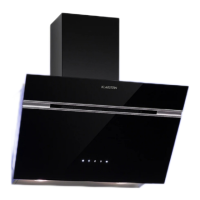
CONTROL PANEL AND FUNCTION KEYS
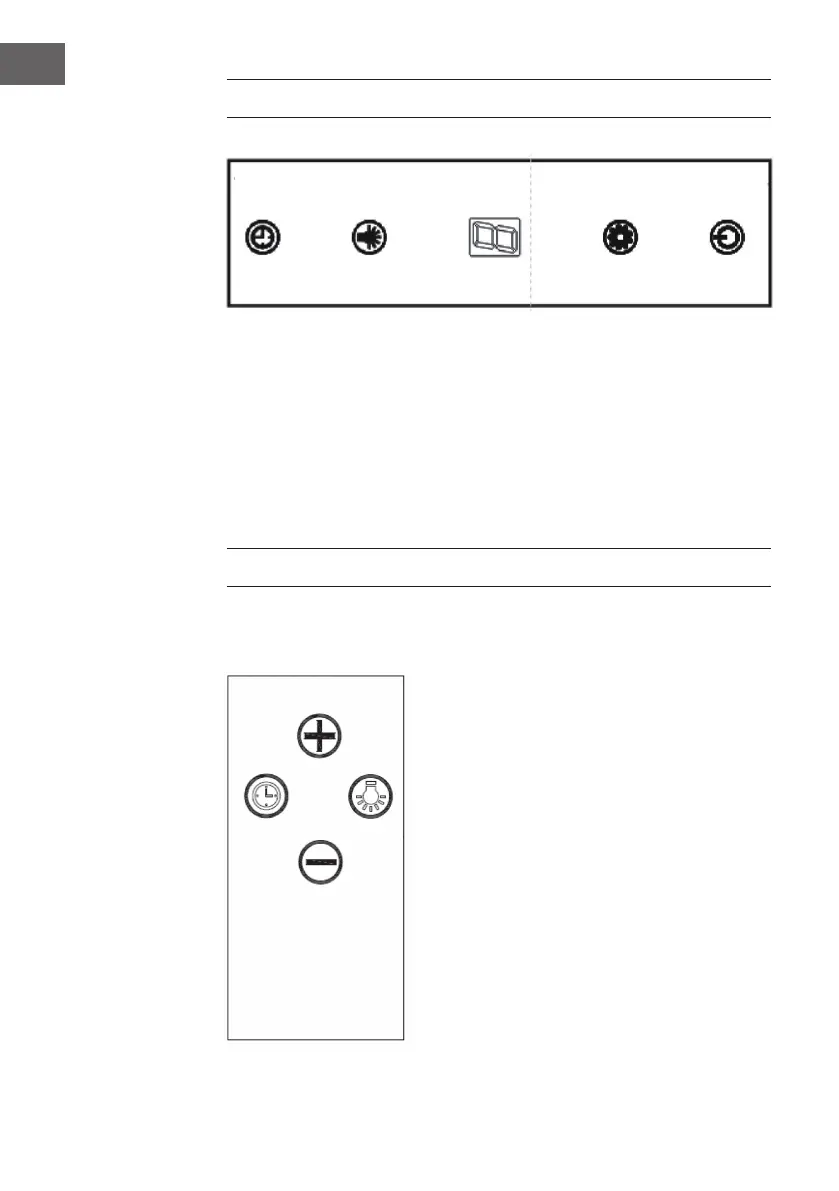
• Press the POWER button to switch the extractor bonnet on and off.
• Press the SPEED button several times to run the motor at the following power: low >
medium > high > low. The display shows the corresponding speed: 1 > 2 > 3 >1.
• Press the LIGHT button to switch on the light. Press the button again to switch it off.
• When the bonnet is in operation and the TIMER button is pressed, the bonnet
switches to timer mode. The default setting is 9 minutes. The timer then starts
counting down the time. The remaining time is shown in the display: 9 > 8 > 7 > 6 >
5 > 4 > 3 > 2 > 1 > 0. When [0] is shown, the bonnet is automatically switched off.
Press and hold the TIMER button to deactivate the timer again.
REMOTE CONTROL AND FEATURES
Timer Light Speed Power
increase
reduce
Timer Light



 To Next Page