7
OPERATING INSTRUCTIONS
Measuring Length to Short Faults (Category, Twisted Pair, Data Cable)
1. While measuring a twisted pair cable, if there is a short between twisted pin
pairs (i.e. a short between wires 1-2, 3-6, 4-5 or 7-8), the tester will display
"SHORT", with the distance to the short location.
2. If there is a short between two even numbered wires (i.e. a short between
wires 2, 4, 6, or 8), the tester will display "SHORT", but distance cannot be
measured
3. If there is a short between two odd numbered wires (i.e. a short between wires
1, 3, 5, or 7), the tester cannot detect a short
4. If there is a short between an even and an odd numbered wire that is not a
twisted pin pair (for example, a short between wires 1 and 4), the tester will
display "SHORT", and the distance to the short location for the even wire only
Measuring Two Conductor and Other Cable
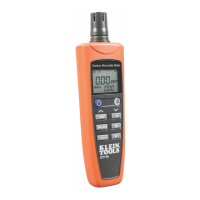
1. Connect the BNC-to-Alligator Clips
test cable
13
to the BNC port on
the top of the Cable length Meter.
2. The cable to be measured should
have a pair of exposed conductors
that run side-by-side (this includes
inner pairs on twisted pair cable).
The opposite end of the cable
to be tested should be left open
(unconnected).
3. Securely attach the alligator clips
to the two exposed conductors of
the cable to be tested.
4. Press the Power button
5
to
power-ON the meter.
5. Use the Up
11
and Down
12
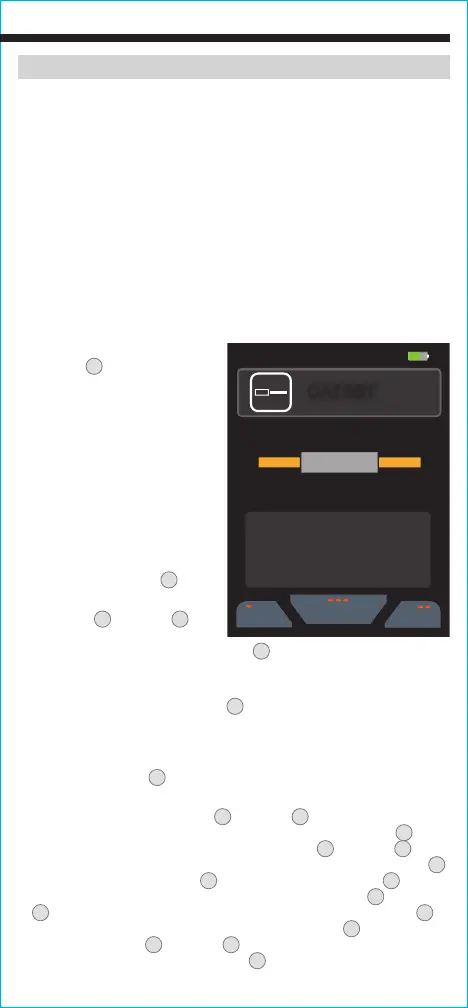
Arrow buttons to highlight "Other"
and press the "Select" button (three dots)
8
. The default cable choice will
appear on the screen.
NOTE: If the cable you are measuring is not in the library,
refer to the Changing VoP Value / Adding New Cable Information section.
6. Use the "Library" button (three dots)
8
to select a different cable
manufacturer or style with the correct VoP. The VoP value is displayed on the
screen in the top description.
NOTE: If the cable you are measuring is not in
the library, refer to the section on calculating VoP.
7. Press the Test Button
9
to measure the length of the cable.
NOTE: Turn ON
the “Test Lead Subtraction” when using the included test leads.
8. To edit Library entries, use the Up
11
and Down
12
Arrow buttons to
highlight the desired selection and press the "Edit" button (two dots)
7
to
enter the cable information screen. Again, use the Up
11
and Down
12
Arrow
buttons to highlight the desired field and press the "Edit" button (two dots)
7
. Use the "Left Arrow" (one dot)
6
and "Right Arrow" (three dots)
8
buttons
to move the cursor to the desired location and then use the Up
11
and Down
12
Arrow buttons to select the desired character. Press the Save button
10
to save the change or press the "Cancel" button (two dots)
7
to discard
changes. Use the Up
11
and Down
12
Arrow buttons to select additional
fields or press the back button (one dot)
6
to return to the Library.
07:30 55%
05/29/2020
Library
Type
Home
CAT4UT
VOP
68.3%
CAT5ST
VOP
68.3%
1.23 ft
Length:



 To Next Page