14
ENGLISH
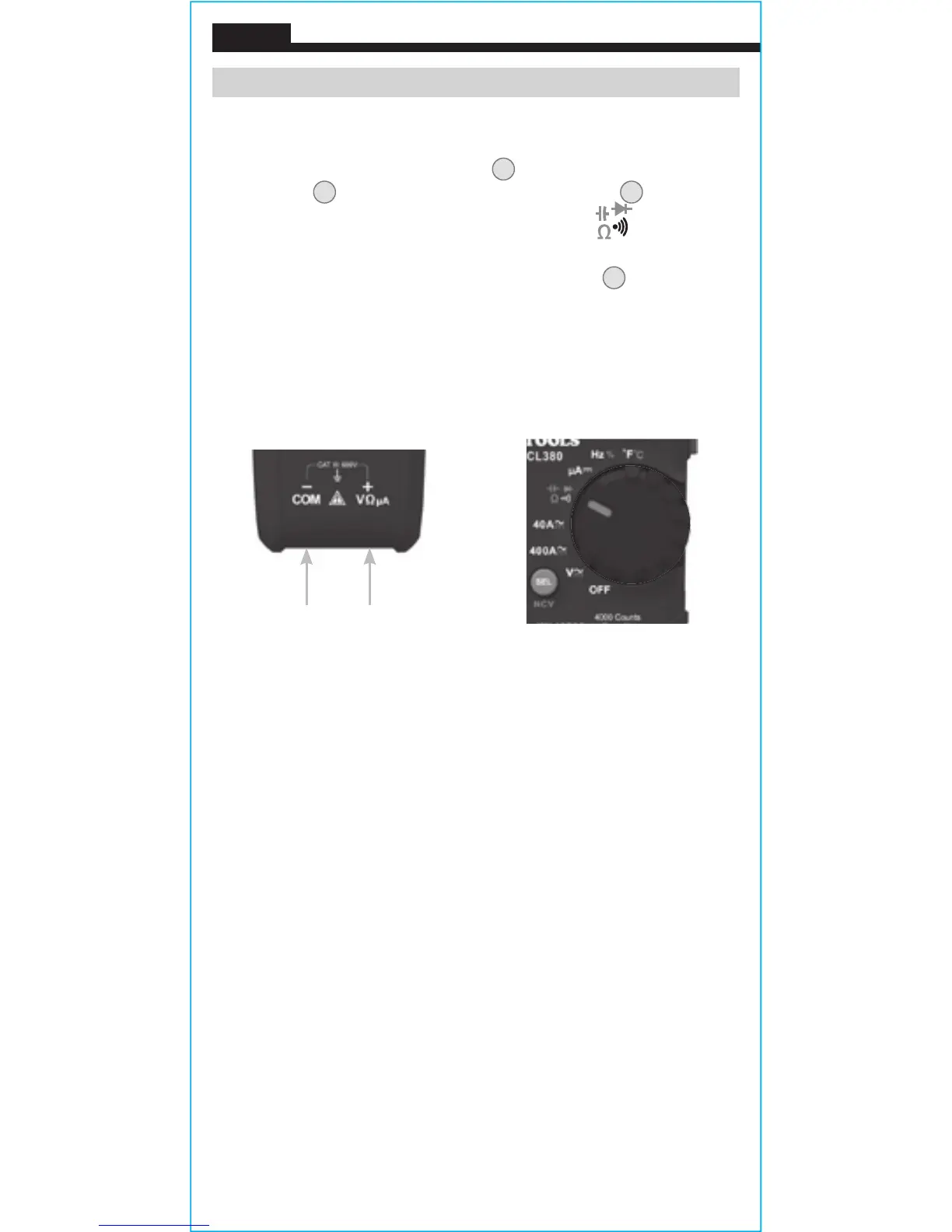
Red leadBlack lead
CAPACITANCE
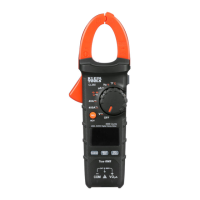
1. Insert RED test lead into VΩ jack
5
, and BLACK test lead into
COM jack
4
, and rotate function selector switch
2
to the
Continuity/Resistance/Capacitance/Diode-Test
setting.
NOTE: The meter defaults to Continuity testing in this mode. To
measure capacitance, press the "SEL/NCV" button
12
repeatedly
until nF appears on the display.
2. Remove power from circuit.
3. Measure capacitance by connecting test leads across the
capacitor. The meter will auto-range to display the measurement
in the most appropriate range.
OPERATING INSTRUCTIONS






 To Next Page