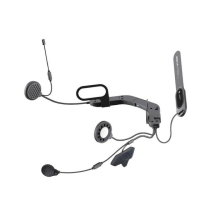
10U
17
English
5.4 Intercom Pairing
5.4.1 Pairing with Other 10U Headsets for Intercom
Conversation
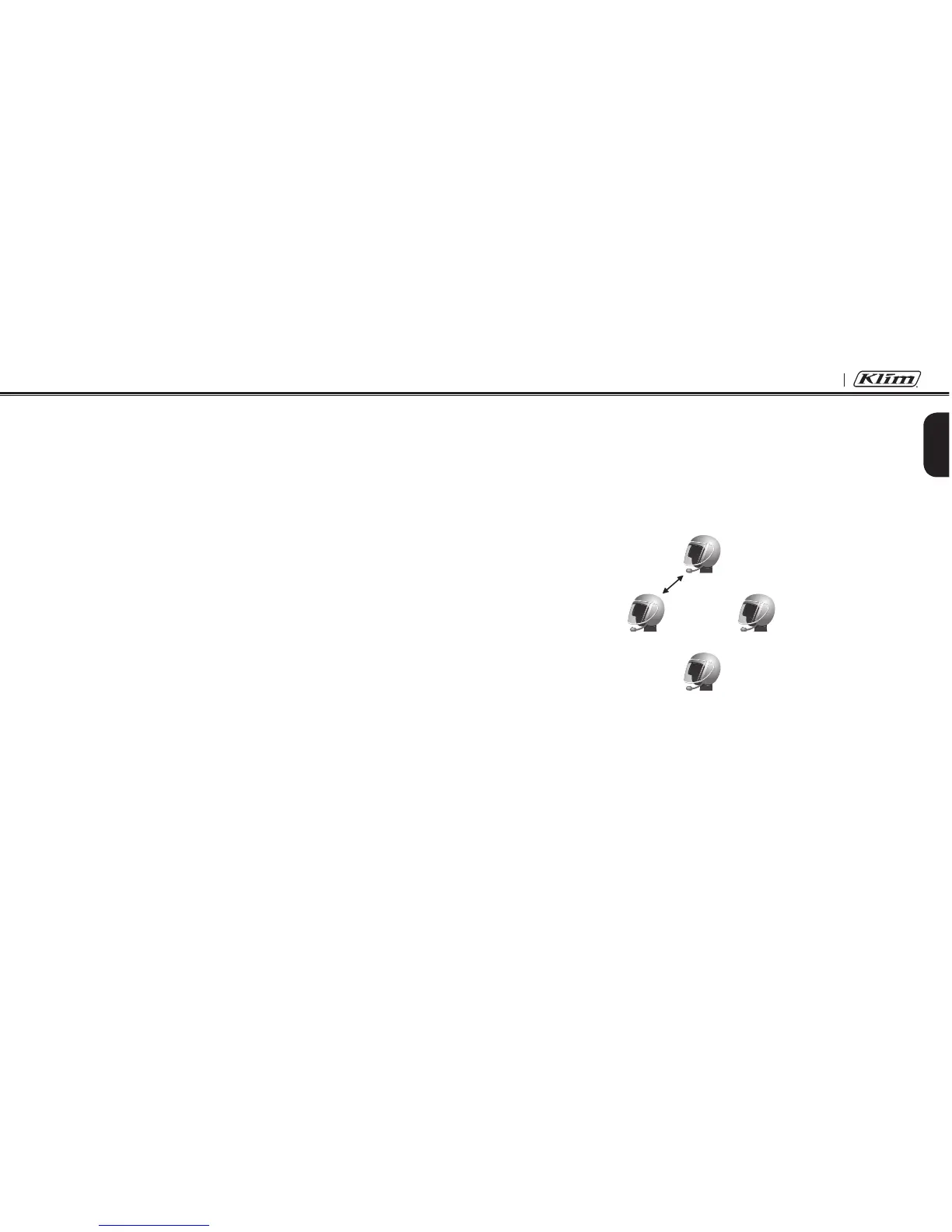
The 10U can be paired with up to three other headsets for Bluetooth
intercom conversation.
1. Turn on the two 10U headsets (A and B) that you would like to pair
with each other.
2. Press and hold the Center Button for 5 seconds, then you will
hear a mid-tone single beep and the voice prompt, “Intercom
pairing”.
3. Simply tap the Center Button of any one of the two headsets A or B
and wait until the LEDs of both headsets turn to blue and intercom
connection is automatically established. The two 10U headsets A
and B are paired with each other for intercom conversation. If the
pairing process is not completed within one minute, the 10U will
return to stand-by mode.
A
B
C
D
Pairing A & B


 To Next Page