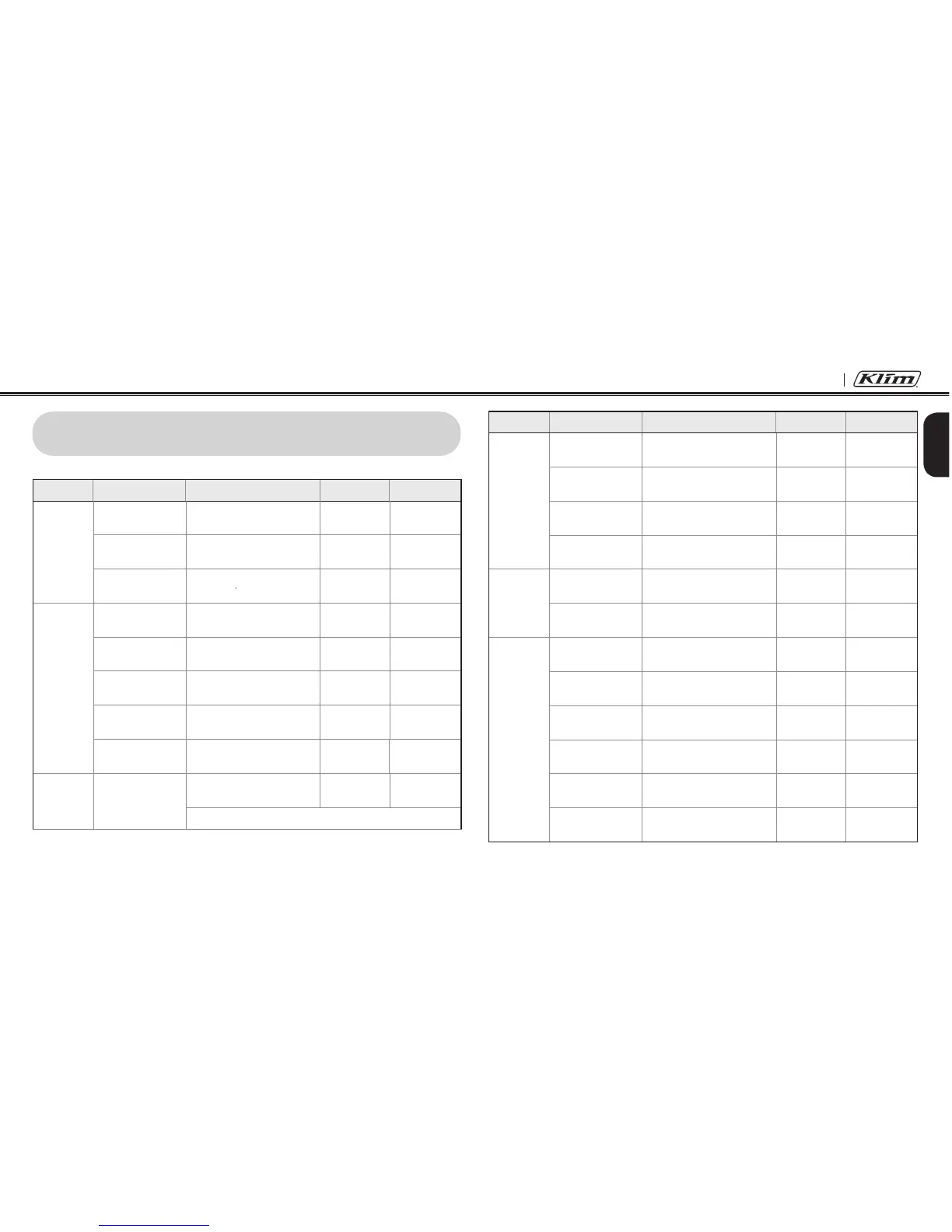
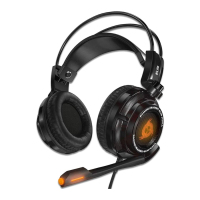
10U
49
English
Type Function Button Command LED Beep
Intercom
Start/End each
intercom
Tap the Center Button - -
End all intercoms
Press the Center Button for
1 second
-
Mid-tone
double beeps
Start Group
Intercom
Tap the (+) Button and the (-)
Button at the same time
Blue and red
ashing
-
End Group
Intercom
Press the Center Button for
1 second
- -
Music
Play/Pause
Bluetooth music
Press the Center Button for
1 second
-
Mid-tone
double beeps
Track forward/back
Press the (+) Button or the (-)
Button for 1 second
- -
FM Radio
FM radio on/off
Press the (-) Button for
1 second
-
Mid-tone
double beeps
Select preset
Press the Center Button for
1 second
-
Mid-tone
single beep
Seek stations
Double tap the (+) Button or
the (-) Button
-
High tone
triple beeps
Scan up FM band
Press the (+) Button for
1 second
- -
Stop scanning
Press the (+) Button for
1 second
-
High tone
double beeps
Save preset while
scanning
Tap the Center Button -
High tone
double beeps
18 QUICK OPERATION REFERENCE
Type Function Button Command LED Beep
Basic
Function
Power on
Press the Center Button and
the (+) Button for 1 second
Solid blue
Ascending
beeps
Power off
Tap the Center Button and
the (+) Button
Solid red
Descending
beeps
Volume adjustment
Tap the (+) Button or the (-)
Button
- -
Mobile
Phone
Answer mobile
phone call
Tap the Center Button - -
End mobile phone
call
Press the Center Button for
2 seconds
- -
Voice dial
Press the Center Button for
3 seconds
- -
Speed dial
Press the (+) Button for
3 seconds
-
Mid-tone
single beep
Reject incoming
call
Press the Center Button for
2 seconds
- -
Intercom Intercom pairing
Press the Center Button for
5 seconds
Red ashing
Mid-tone
single beep
Tap the Center Button of any one of the two headsets


 To Next Page