30
PELLET-BURNING BOILER ECOMPACT 150-190-250-290
EN - Rev 1.1
Modifying the working power
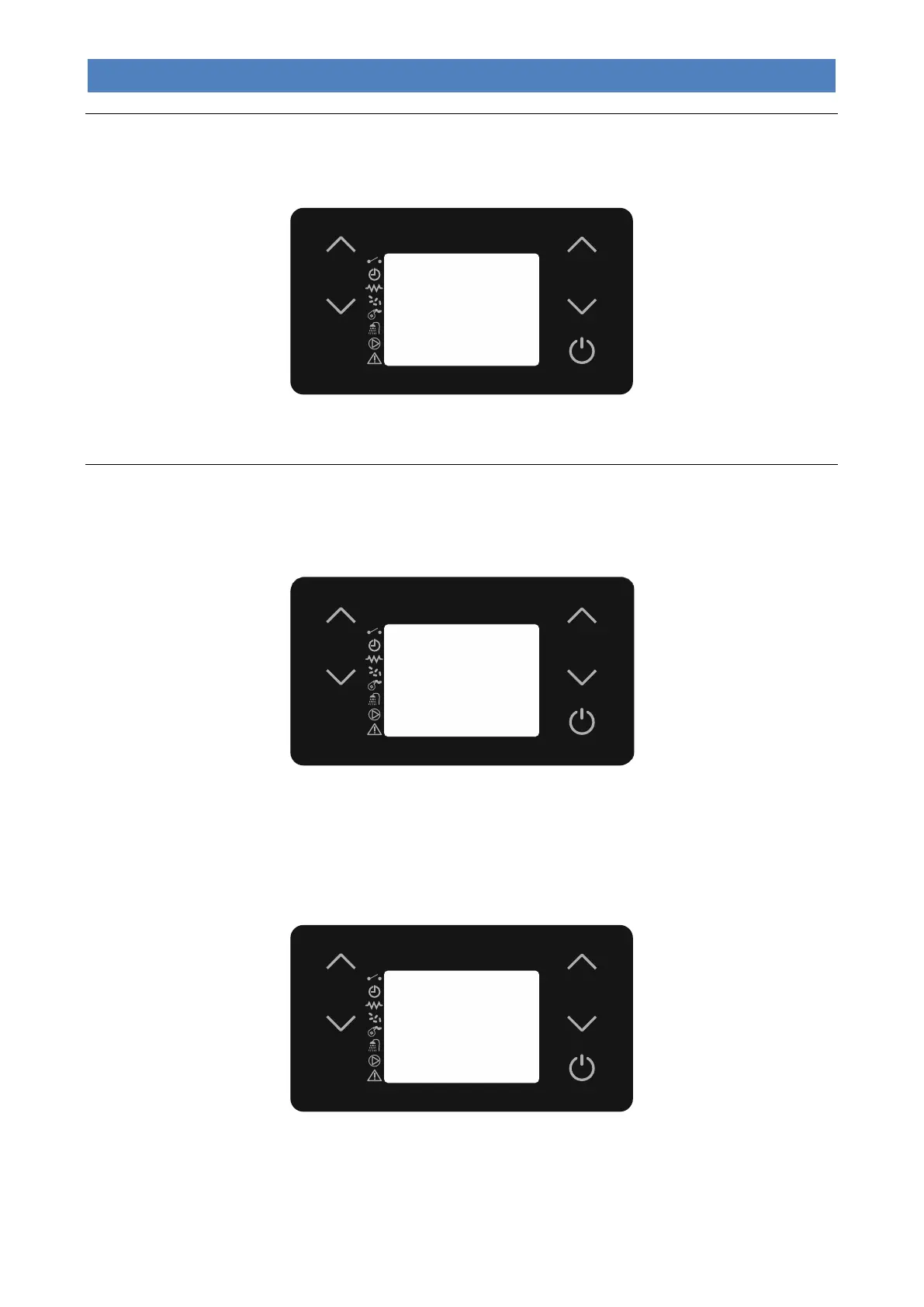
To modify the maximum working power you must select “SET POWER” by pressing buttons 5 or 6. Press buttons 5 and
6 to change the setting. During this operation, the display will appear as in the following picture.
After setting the desired value, press button 4 or wait a few seconds to confirm.
Changing the water temperature boiler or buffer
- Boiler Water Temperature
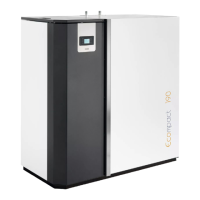
For system types 1, 2 and 3, to modify the boiler water temperature, simply select “SET H2O” by pressing button 2. Now
use buttons 1 and 2. During this operation, the display will appear as in the following picture.
After setting the desired value, press button 4 or wait a few seconds to confirm.
During the working mode the appliance enters “Economy mode operation” when that temperature value is reached.
- DHW storage boiler temperature
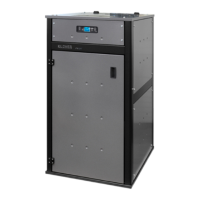
For system type 3, to modify the boiler temperature, simply select “SET BOILER” by pressing button 1. Now use buttons
1 and 2. During this operation, the display will appear as in the following picture.
After setting the desired value, press button 4 or wait a few seconds.
During the working phase, if the boiler is in demand the appliance will switch to “Economy mode” if T.H2O > SET
BOILER + 10°C.
Here below are the operating modes in the event that the “SET BOILER” temperature is reached:



 To Next Page