THE DISPLAY
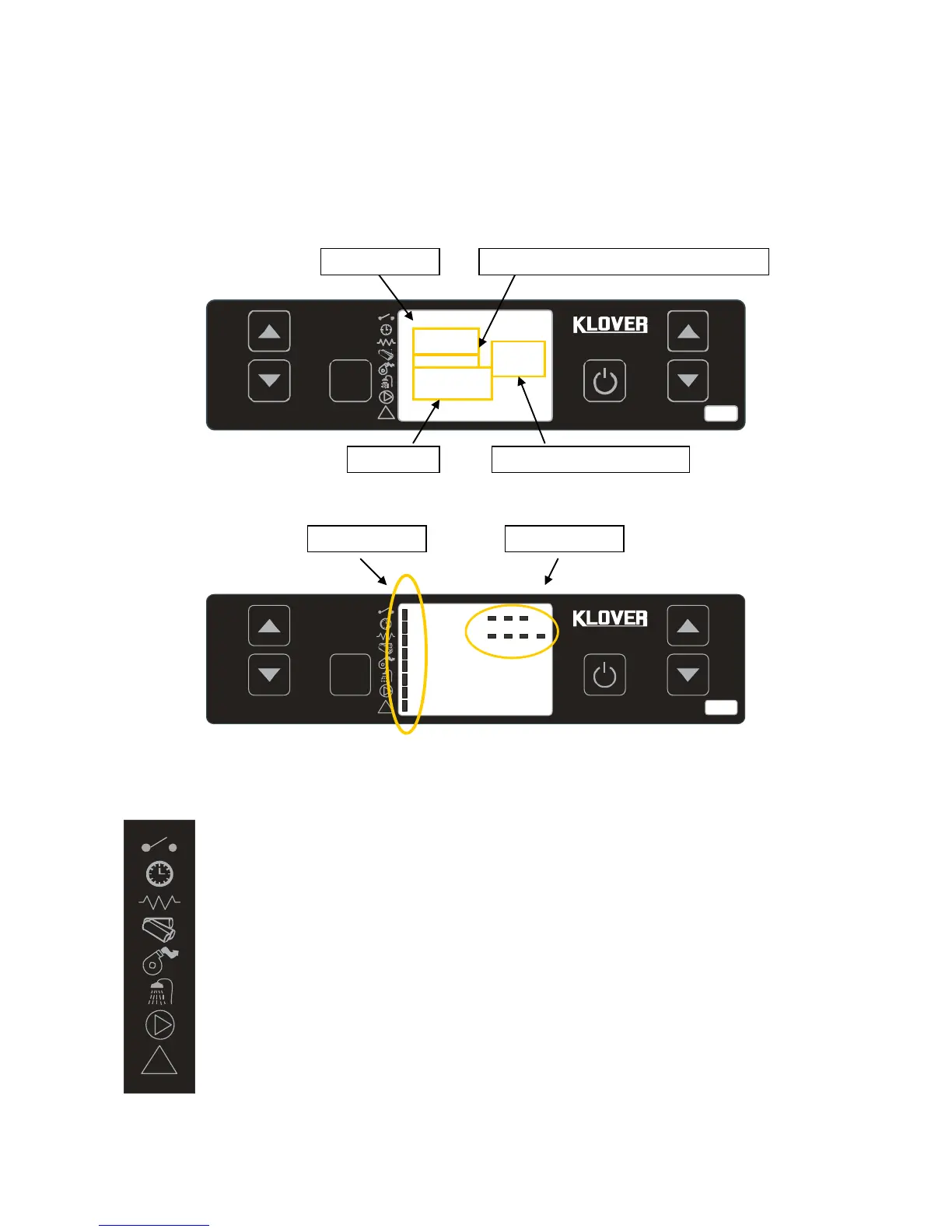
The console displays information about the operation of the unit. By accessing the menu, you can get
various types of displays and adjust the available settings depending on the selected menu.
The figure below shows the display when the unit is in on or off mode.
ROOM THERMOSTAT: the LED lights up when the contact of the room thermostat is open.
CHRONO-THERMOSTAT: the LED lights up when at least one start-up and switch-off program is
active.
START-UP RESISTANCE: the LED lights up when start-up resistance is active.
SCREW CONVEYOR: the LED lights up when the pellet loading motor reducer is started.
FLUE GAS EXTRACTOR: the LED lights up when the flue gas intake device is active.
DHW FLOW SWITCH: the LED lights up when the DHW flow switch contact is closed (which
means there is demand for hot water). NOT USED ON THIS PRODUCT
PUMP: the LED lights up when the system circulation pump is active.
ALARM: the LED lights up when the boiler is in a state of alarm.


 To Next Page