Changing DHW, room, and water temperature settings.
- Water Temperature
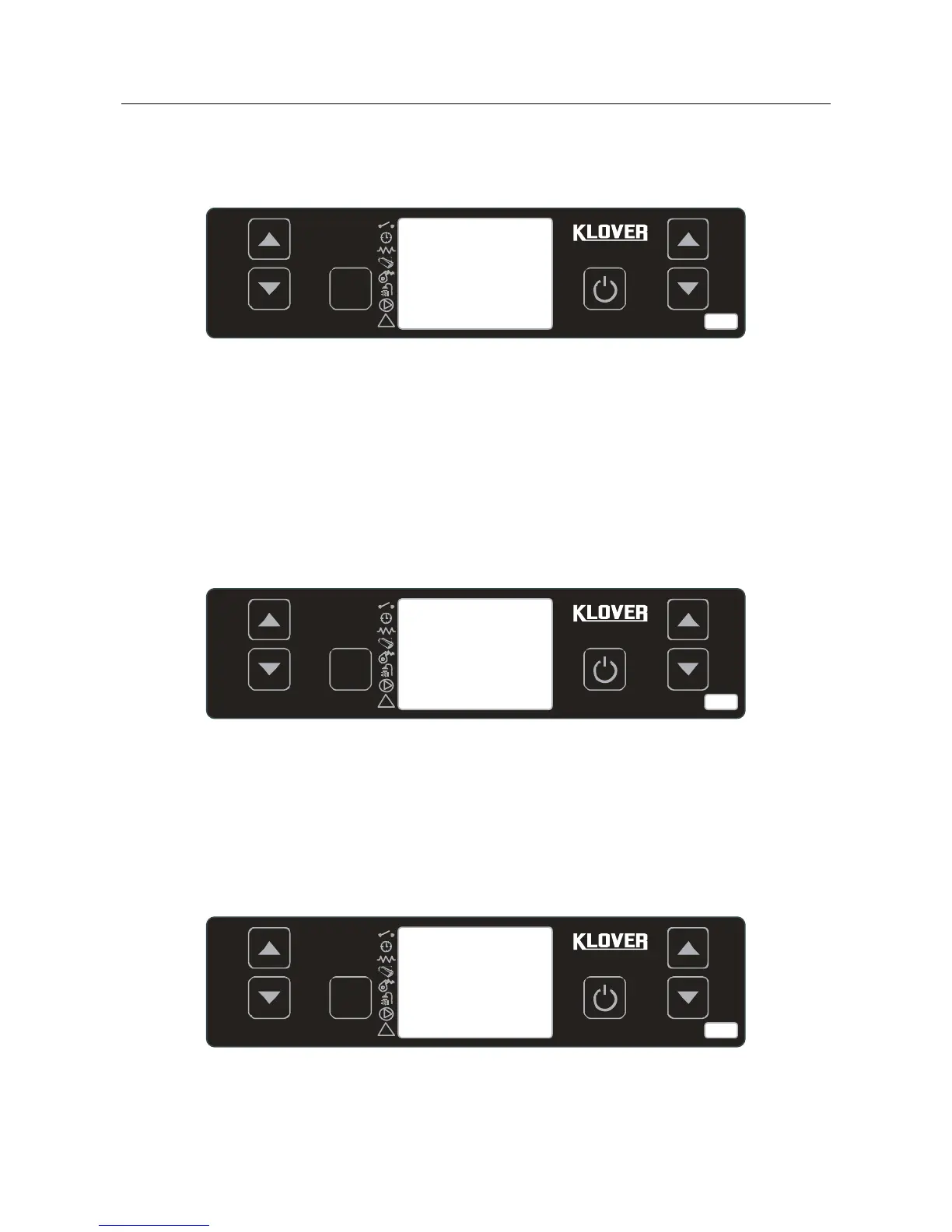
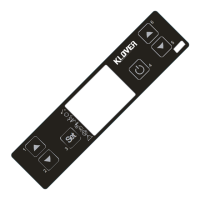
Press key 1 and select “SET H2O” to change water temperature. Then press keys 1 and 2. During this
operation, the display appears as shown in the figure below.
After setting the desired value, confirm by pressing button 4 or waiting a few seconds. When the set
temperature is reached, the cooker enters economy mode operation. At this point, the cooker will shut off
automatically if at least one of the following conditions occurs:
it remains in economy mode operation “T-H2O ECONOMY” for a time set on Pr44 (30 minute
default setting).
the temperature differential set on Pr43 (factory set value 5°C) or H2O Temperature > (“SET H2O”
+ Pr43) is exceeded.
- Room Temperature
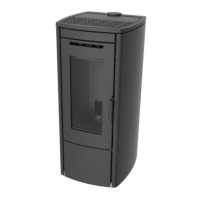
Press key 2 and select “SET ROOM TEMP” to change the room temperature. Then press keys 1 and 2.
During this operation, the display appears as shown in the figure below.
Press key 4 or wait a few seconds to confirm the desired value setting.
WARNING: The room thermostat temperature is taken into account if the remote control to be applied to the
wall is connected, (also see page 44 ”Menu 04” ). The room sensor must also be enabled in the remote
control (see the “Remote control” manual).
- DHW Temperature
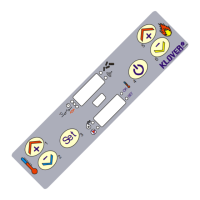
Press key 5 and select “SET DHW” to change the DHW temperature. Then press keys 5 and 6. During this
operation, the display appears as shown in the figure below.
Press key 4 or wait a few seconds to confirm the desired value setting.
25°
C
SET ROOM
TEMPERATUR
E


 To Next Page