Control of the Smartline Pump 1000 15
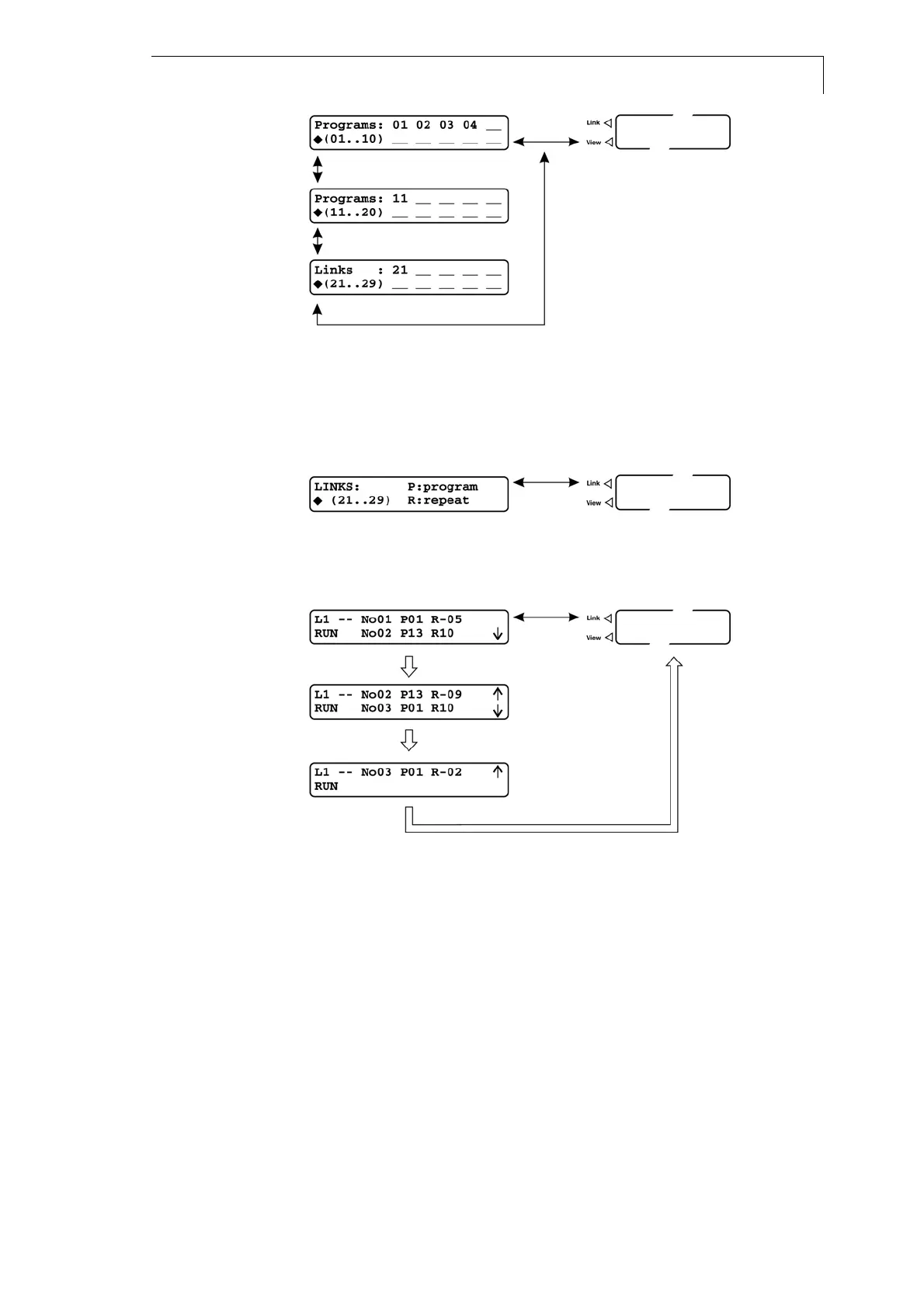
Fig. 10 The VIEW menu with programs 1-4, 11 and link 21
Using the LINK Menu
The LINK menu reports status information of the currently active program
links. It is activated only if a link is running.
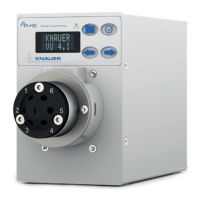
Fig. 11 LINK menu without running link
If a link is active, the menu shows the following structure:
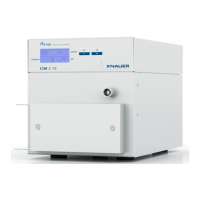
Fig. 12 LINK menu with running link
In case a link is running, the first line of the menu gives the current status
of the links. The field R-xx shows the number of program runs still to be
performed. The value of R-xx decreases according to the number of runs
remaining.
The second line shows the next step of the link to be performed. Up and
down arrows at the right hand side of the display indicate the existence
and position of additional program steps.
Main menu
Main menu
Main menu


 To Next Page