EVOLUTION Instruction Manual
Version: C (Manual 0901170) 13 2024-1218
0901170 REV.B
Page 13
Programming and Calibration (cont.)
PRESS SCROLL TO
SELECT WHICH CON-
CENTRATION TO USE
UNITS USED: ML/
LITER
PRESS SCROLL TO
SELECT WHICH CON-
CENTRATION TO USE
UNITS USED: OZ/
GALLON
12. Evolution allows you to select the unit of measure for calcu-
lating the solution blending rate. Select the unit of measure-
ment (UOM) as stated in the instructions for use on the
chemical container label. The UOM used for programming
the blending rate will be used on the run screen display. Use
the scroll key to select and press enter to proceed to the
next menu
13. Use the scroll and Up/Down keys to enter the formula batch
volume and blending rate.
A volume of 0 will hide the formula from the main screen. A
concentration of 0 will dispense only water and no chemical.
14. When one or more of the formula settings is not used the
soak timer feature will appear on the run screen. Use the
scroll and Up/Down keys to enter soak time. An audible tone
will sound once the soak timer has counted down.
15. For blending of disinfectant solutions Evolution provides add-
ed assurance that every batch produced results in a ready to
use concentration that meets or exceeds the manufacturers’
recommended blending rate. Following final calibration of the
system dispense any of the programmed formulas and
measure the concentration. If the concentration is under (or
over) the target use the Calibration adjustment by selecting
scroll and Up/Down keys to program the adjustment. Press
enter when done, exit the programming menus and dispense
another test batch to check the results.
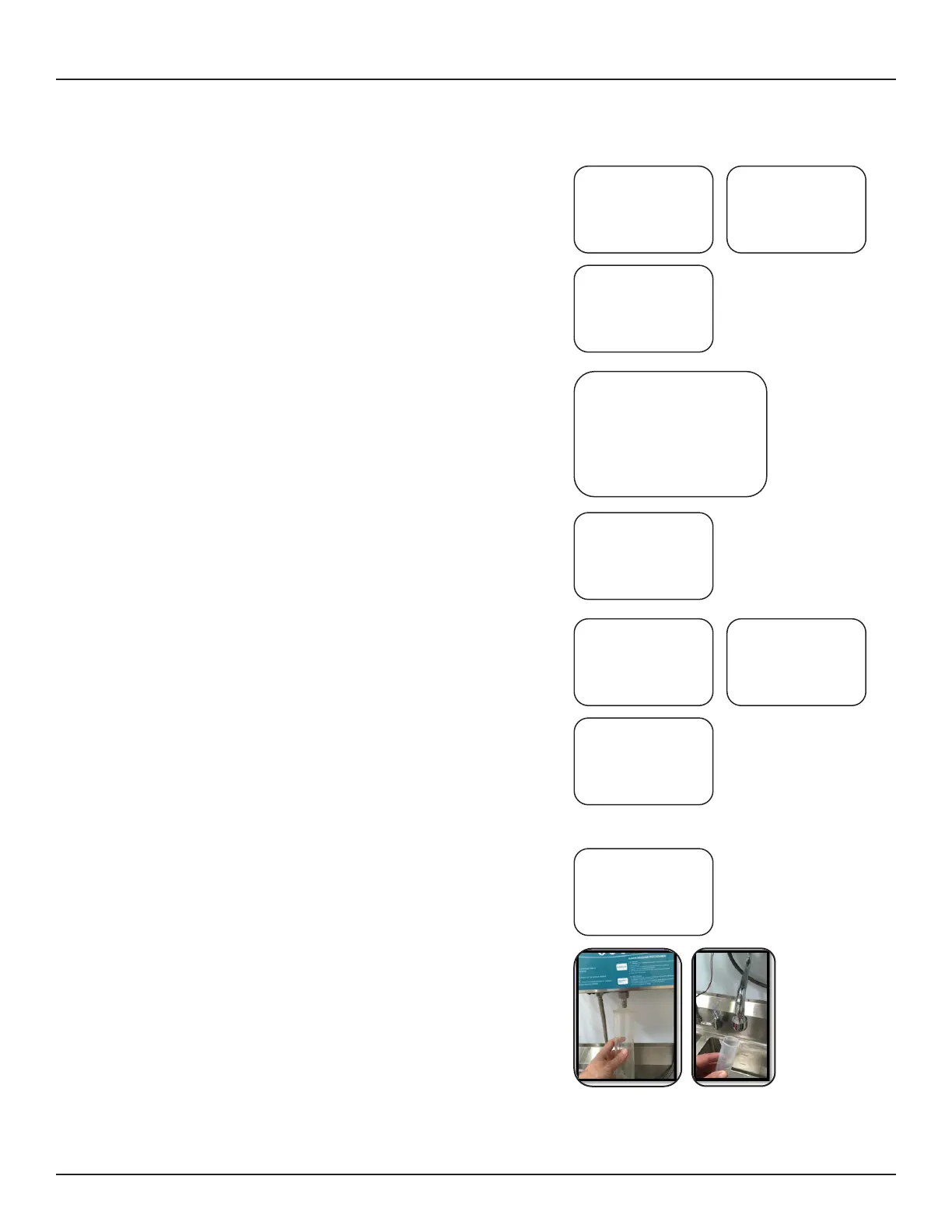
16. To calibrate cleaning solution volume, use a 100 ml graduat-
ed cylinder. Be sure the pump is fully primed before you
start. Hold the graduated cylinder directly under the solution
discharge fitting or spout. Press the Up key to start dosing
cleaning solution. The pump will stop on its own.
PRESS SCROLL TO
SELECT WHICH CON-
CENTRATION TO USE
UNITS USED: %
PRESS SCROLL TO ENTER
FORMULA VOLUMES AND
CONCENTRATIONS:
FORM 1: 003L 2.50%
FORM 2: 015L 0.50%
FORM 3: 020L 1.00%
FORM 4: 040L 5.00%
PRESS SCROLL TO
ENTER SOAK TIME:
(MIN:SEC)
PRESS SCROLL UP/
DOWN TO ENTER
CALIBRATION
ADJUSTMENT
UNDERFEED = 01%
PRESS SCROLL UP/
DOWN TO ENTER
CALIBRATION
ADJUSTMENT
OVERFEED = 02%
PRESS SCROLL UP/
DOWN TO ENTER
CALIBRATION
ADJUSTMENT
OVERFEED = 00%
PRESS UP TO START
PUMP
CALIBRATION FOR 100
ML


 To Next Page