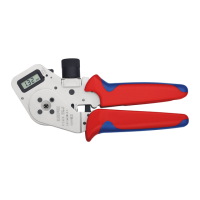
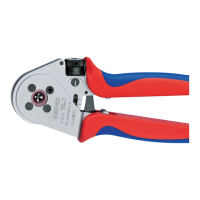
Owner’s Manual 4/8 Indent Crimping Tool MicroCrimp
Rev.: 2016-06-13 4 / 6
EN
Icons were used in order to highlight certain text passages. Please follow the instructions and act with greater
caution in these particular cases. Please pass along all the safety information to all other users or technical
personnel handling the tools
2 Operating Instructions
• Loosen the set screw
• Look up the appropriate crimp dimension settings in the enclosed matrix
• Adjust the crimp dimensions (depth of indenters) by using the adjustment wheel
• Fixate the plier adjustment by using the set screw
• Lift and twist the locator into place to desired setting according to matrix
• Insert prepared cable into the contact to be crimped
• Place the contact with the cable into the crimp area up till the limit stop (the locator ensures the proper
placement of the contact to be crimped)
• Close the handle bars of the pliers until you hear the last ratcheting sound
• Open the handle bars of the pliers and remove the crimped contact and cable
ATTENTION!
Do NOT crimp onto the plug gauge or other similar objects to avoid damage to the pliers. The
crimping of massive materials, which have a hardness grade higher than 35 HRC, should be
avoided under any circumstances.
Please note!
The information in this section is of particular relevance to the description of afunction or an
operating procedure.
WARNING!
This section warns the reader about a potentially dangerous situation that can lead to death or
serious physical injury.
CAUTION!
This section cautions the reader about a potentially dangerous situation that can lead to minor or
moderate physical injury and/or damage to property.


 To Next Page