KDC280NA QG
Quick Guide
See Reference Manual for more detailed information
Visit store.koamtac.com to purchase additional products and accessories.
QG_KDC280_20220614 p13
5.2 Enabling the Social Distancing Feature via the KDC Menu
If you prefer to enable the social distancing feature by navigating through the KDC menu, then follow the
instructions below:
a) From KDC BLE Config menu, select Social Dist. to configure
b) Set the Distance from 1m to 10m
c) Set the Host Alert to enable/disable
d) Set the KDC Alert: Beep, Vibrator, and Data Store to desired settings
e) Set the Security Key: Disabled, Fixed Key, or Custom Key
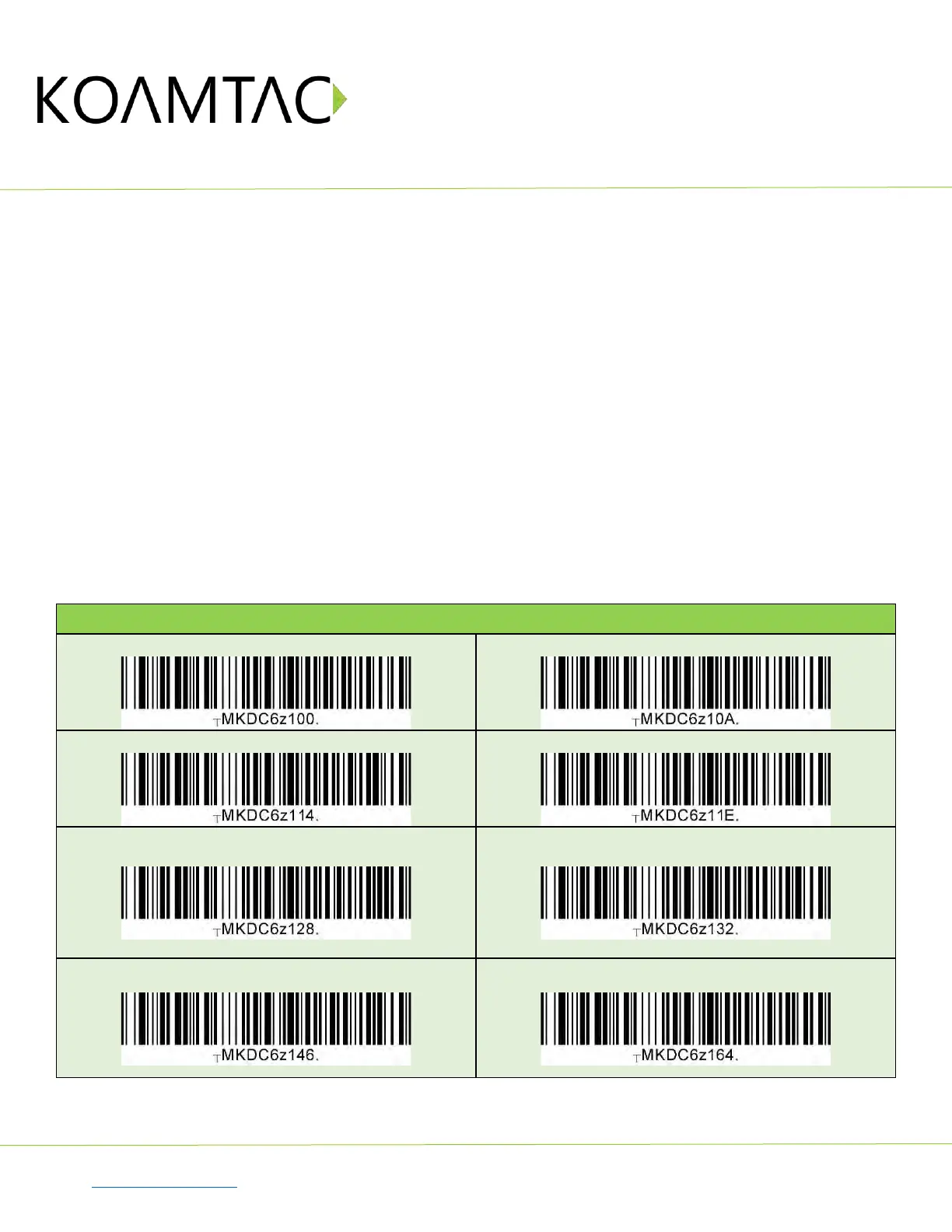
5.3 Enabling the Social Distancing Feature via Social Distance Barcodes
If you prefer to enable the social distancing feature via special barcodes, scan the special social distance
barcodes that correspond with the settings you wish to enable:



 To Next Page