KDC280NA QG
Quick Guide
See Reference Manual for more detailed information
Visit store.koamtac.com to purchase additional products and accessories.
QG_KDC280_20220614 p7
In Always-pairing mode, an application can connect to a KDC without reading a pairing barcode, so the
connection procedure is a little different.
a) In the KTSync app, tap the Connect icon at the bottom left of the app.
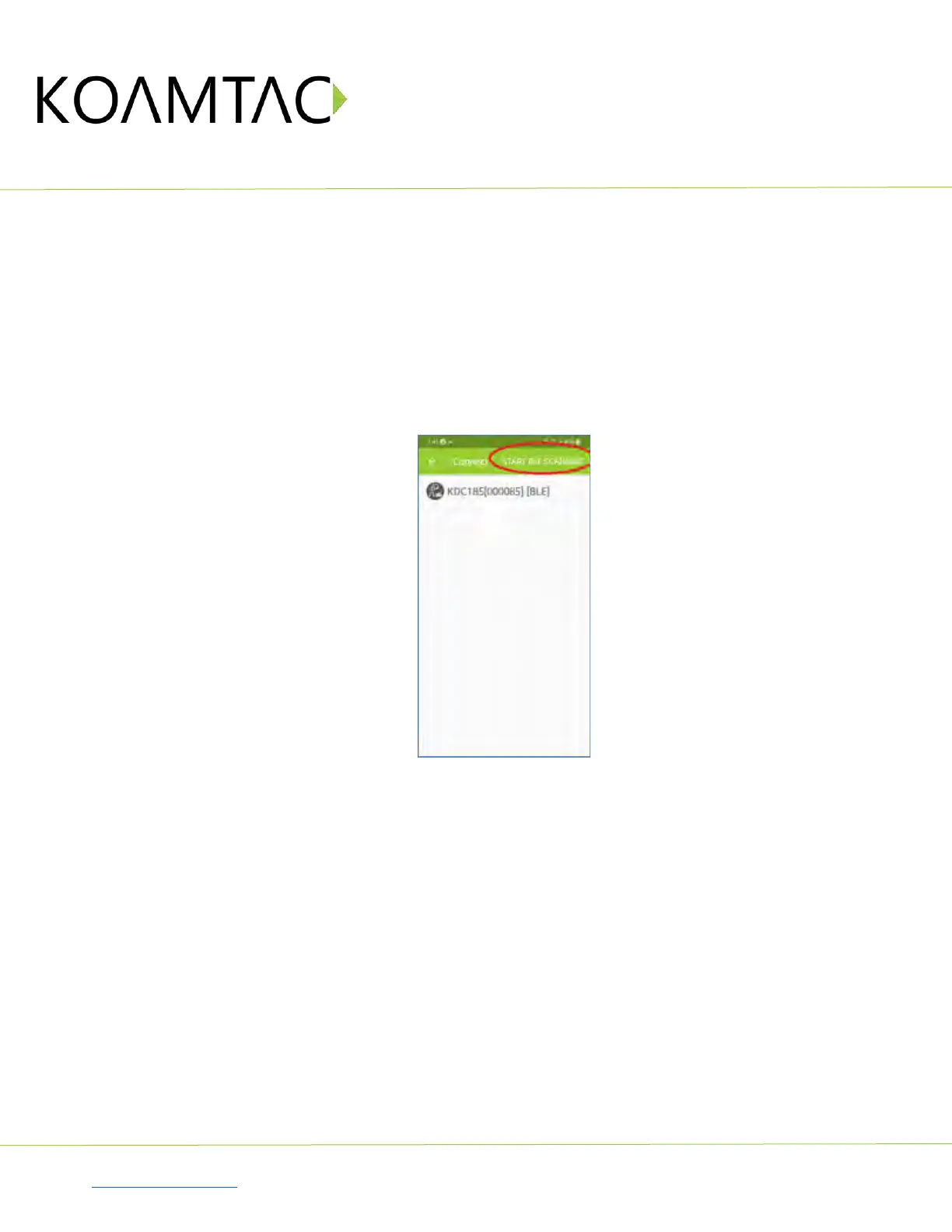
b) In KTSync, tap “START BLE SCANNING” in the top right.
c) In KTSync, check the list of found devices.
d) In KTSync, tap the KDC280 listed by serial number in brackets followed by [BLE] that matches the serial
number found on the back side of the KDC280. The format will look like this, KDC280[xxxxxx] [BLE],
where xxxxxx is the serial number.
e) The KDC280 will beep upon connection and display “BLE SPP Connected” on its screen. Now it is
ready to use.
< Fig. 4>



 To Next Page