33
32
33
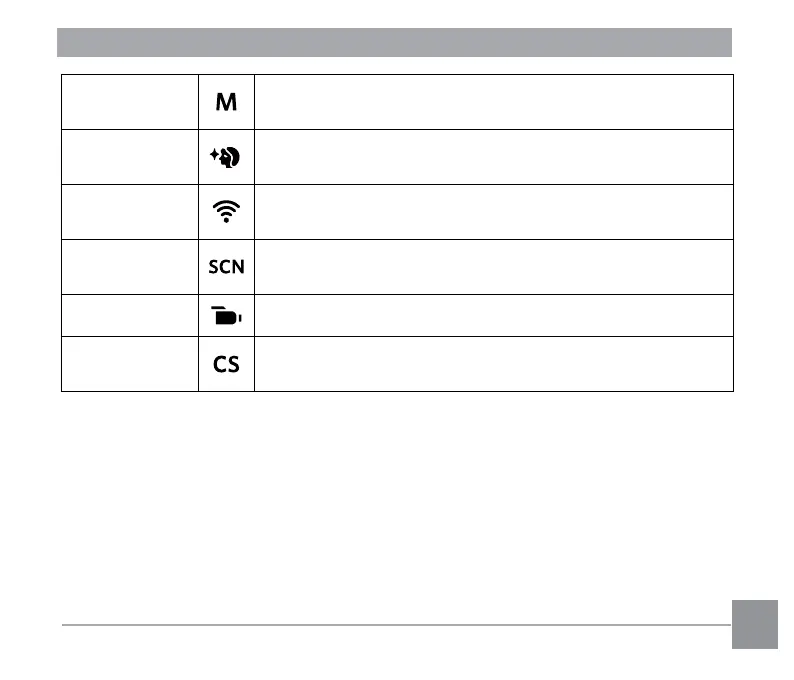
Manual Mode
This mode is for manually setting the aperture, shutter speed
and ISO value.
Face Beautiier
This mode automatically enhances facial features with skin
softening touches and eye brightening capabilities.
Wi-Fi® Mode
Enable image transmission and remote control by connecting
smart device with Wi-Fi®.
Scene Mode
Choose from 14 different pre-set scene types and effects for
your photos.
Movie Mode Record videos.
Custom Settings
The user can store frequently used shooting modes and
parameters. Switching to this mode enables quick adjustment.




 To Next Page