K1Pro
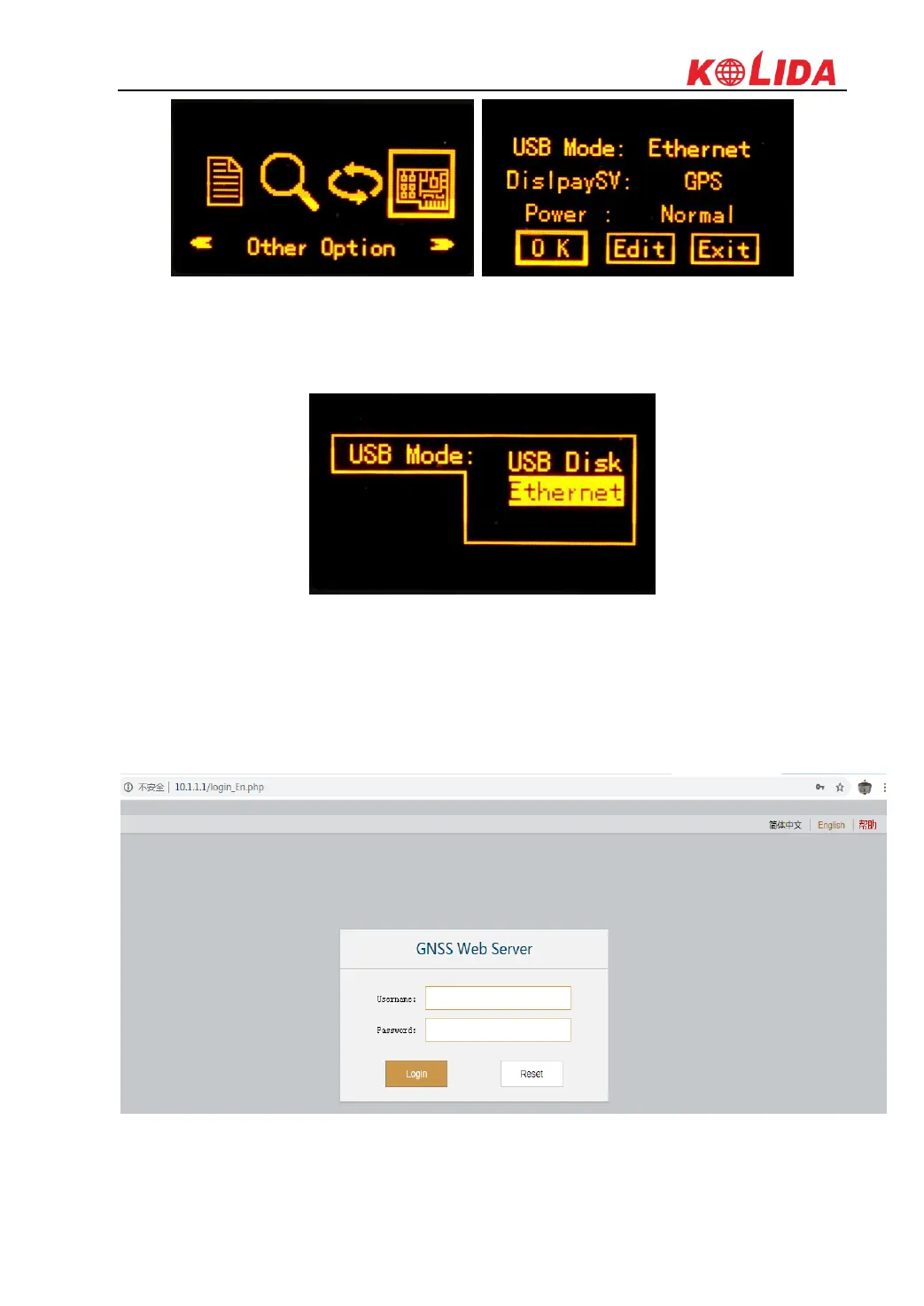
USB Mode: When we connect K1Pro to PC by 7-pin USB cable, there are two kinds of USB
mode for selection: USB Disk and Ethernet (USB Network).
If USB Disk is selected, then K1Pro' internal memory will display in PC, and we can access to
the memory to copy static data.
If Ethernet option is selected, then we can access to K1Pro' WEB UI by inputting IP
192.168.155.155, username (admin), password (admin) in browser.



 To Next Page