K1Pro
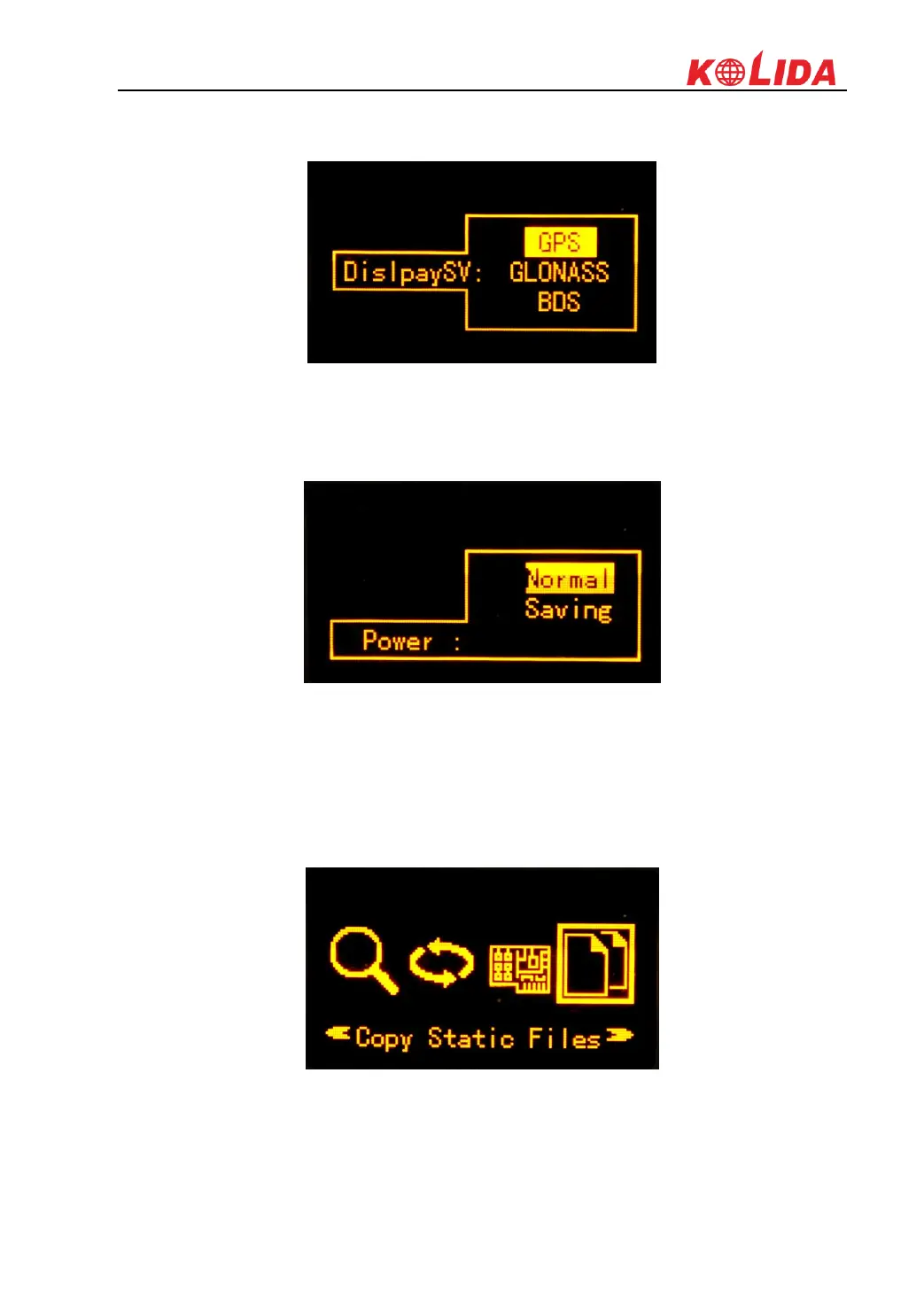
DisplaySV: DisplaySV enables us to decide which satellite constellation displayed in skyplot
page on screen. The default setting is to display GPS.
Power: If we select Saving, when there's no operations in a long time, the screen of K1Pro will
turn off to save power automatically. And we can press any key to exit power saving mode.
Copy Static Files
In this mode, we set the USB mode as USB disk first, then we can use OTG cable to connect
flash memory to K1Pro to copy static data directly from K1Pro' internal memory.



 To Next Page