K1Pro
§6.2.1.3 Rover station set up
After verifying the successful transmitting of the Base station, the rover station shall be set up at
this moment.
1) Install the bracket holder onto the carbon fiber pole, and fix the controller into the bracket,
then power on the controller.
2) Install the receiving antenna onto the rover receiver, and screw the receiver into the carbon
fiber pole, then power on the receiver.
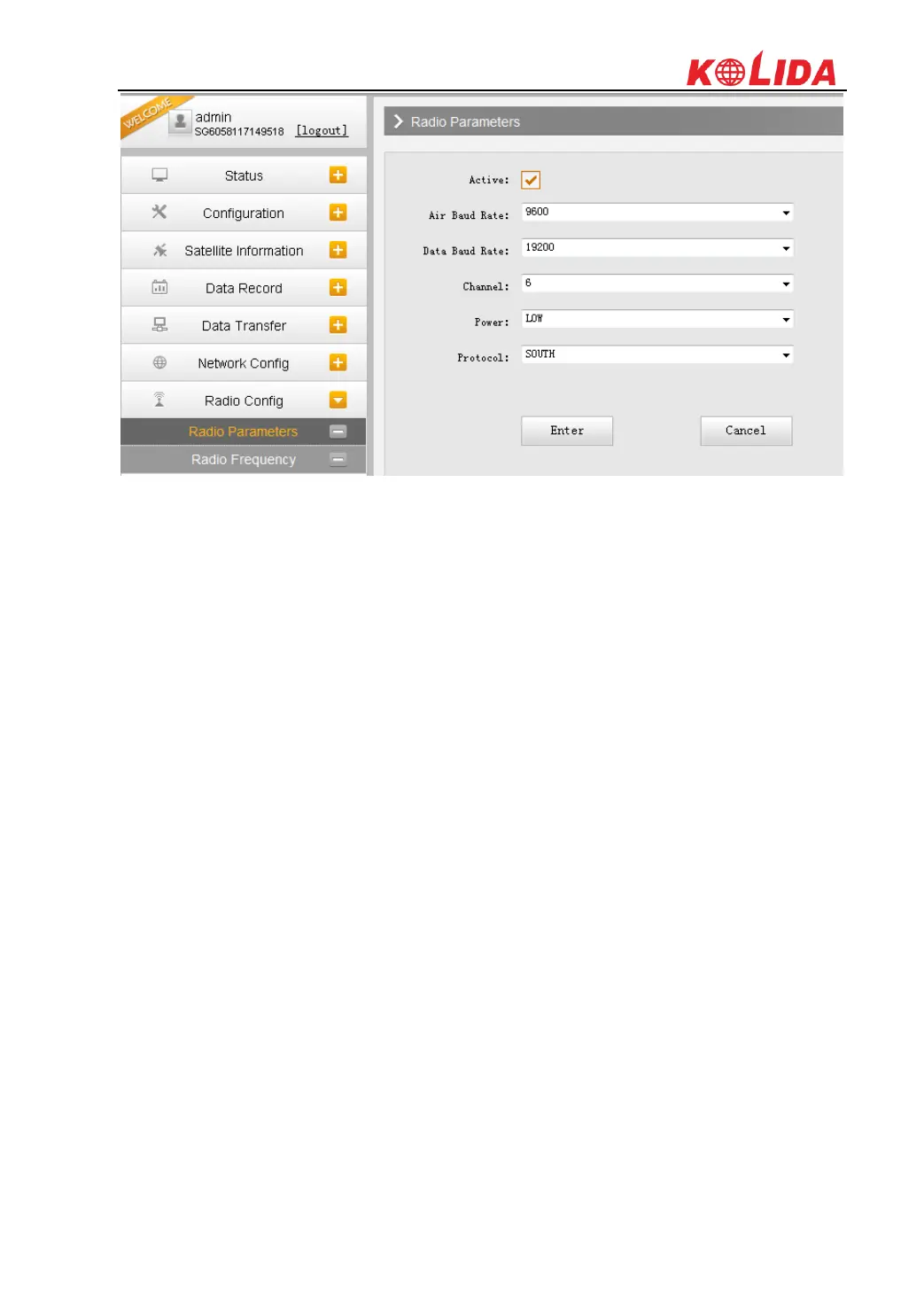
3) Set the receiver as rover with internal radio mode. (set on the control panel, or on internal
Web UI or on the software installed on data collector).



 To Next Page