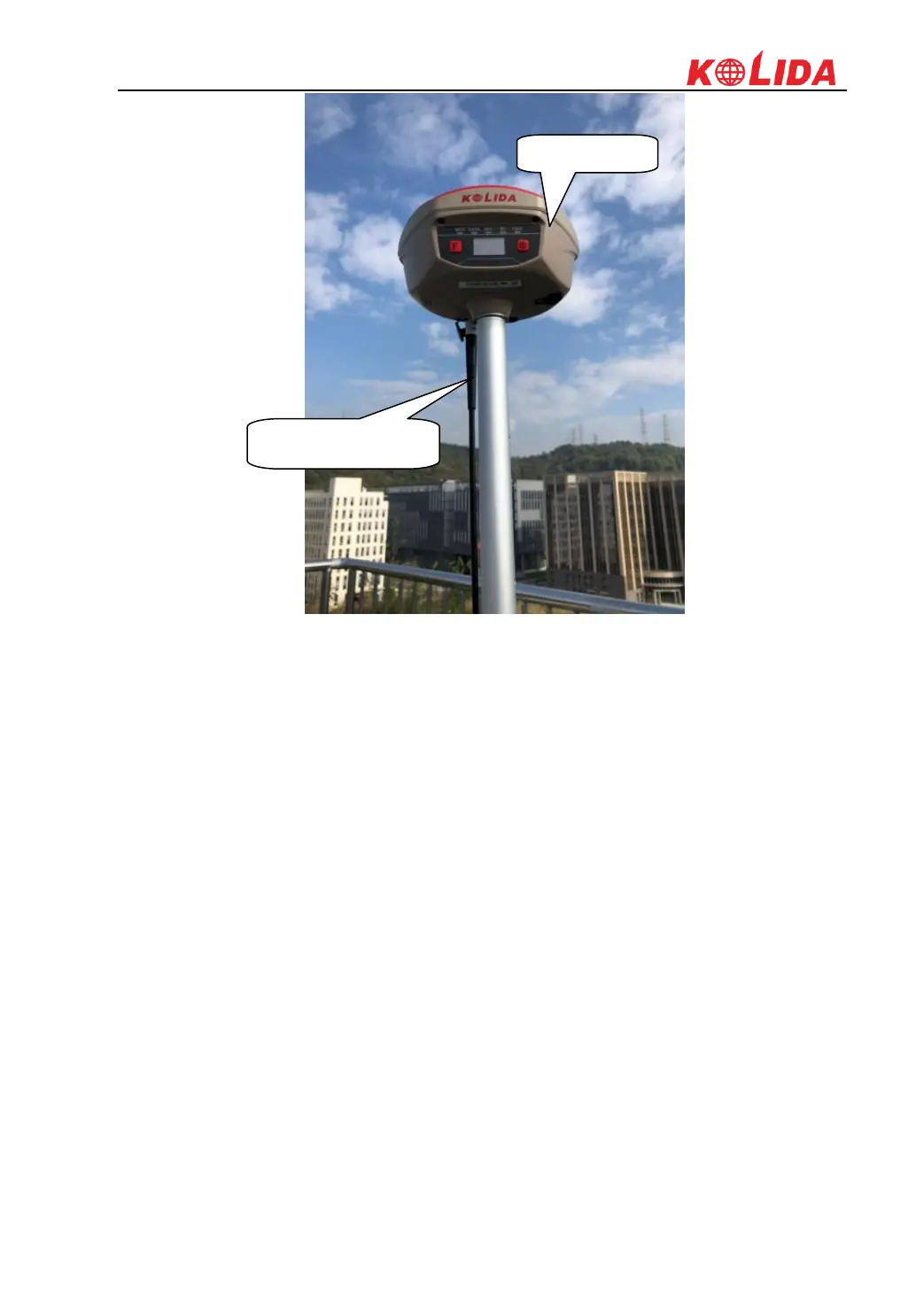
K1Pro
§6.2.1.4 Rover settings
Using EGStar3.0
1) Run EGStar3.0 program on data collector;
2) Go to “Config—Device Config—Instrument Config” page to configure the working mode
and datalink for rover receiver.
3) Tap on “Work mode setting” and then check the box of “Set work mode”, then click on
“Next” to continue;
4) Check the box of “Rover” option and click “OK” and return to Instrument setting page. At
this moment, KOLIDA K1Pro prompts the correct working mode with voice guide.



 To Next Page