EXPLANATION OF COMPONENTS OPERATION
3-28
5. Adjusting backlighting of display panel B (multi-information)
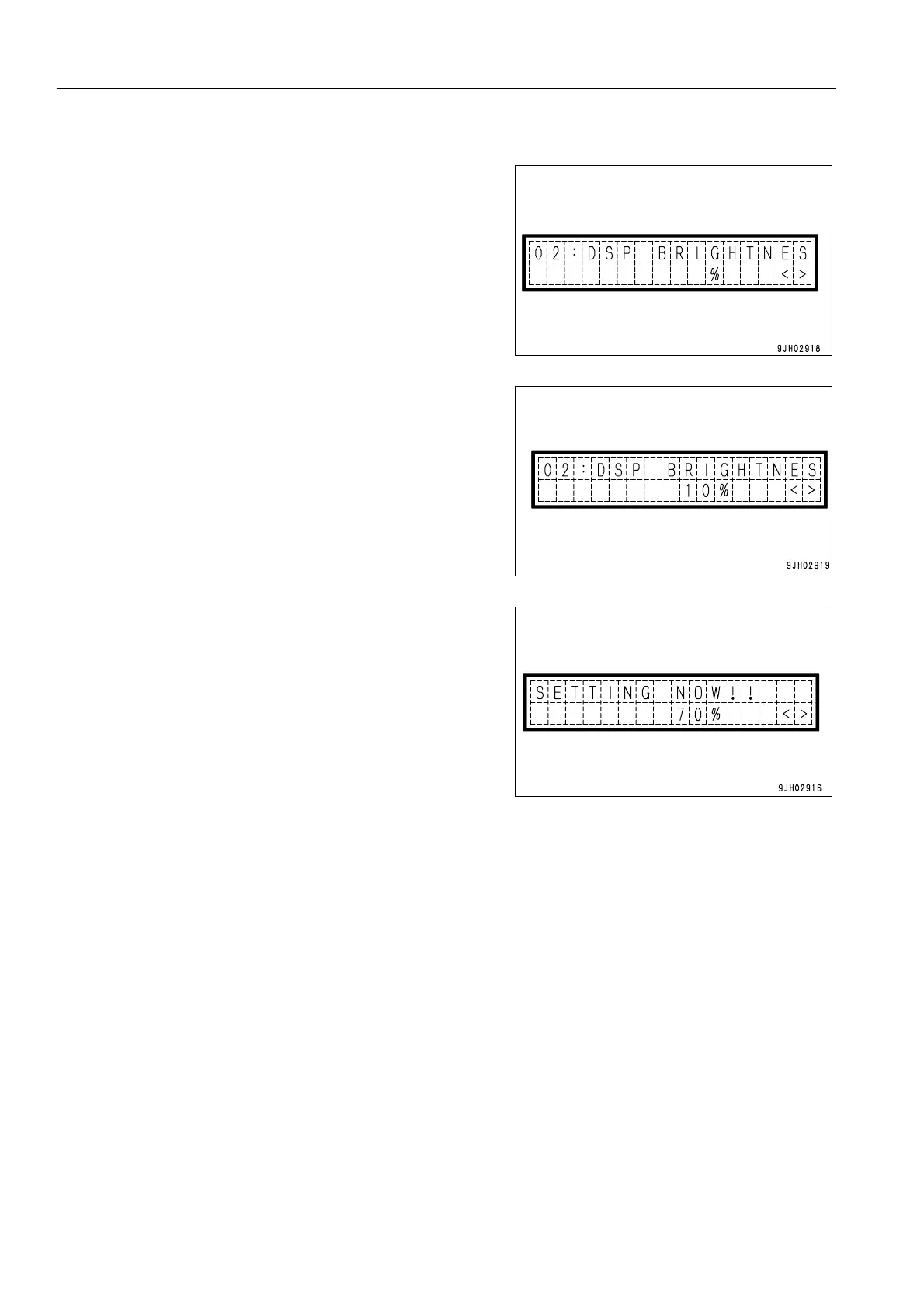
6. The diagram on the right is the mode for adjusting the
brightness of the backlighting of the display panel B (multi-
information).
On the screen, operate the buzzer cancel switch to to
switch to the screen for adjusting the brightness.
7. The brightness can be adjusted by operating the informa-
tion switch.
The higher the number, the brighter the screen becomes;
the lower the number, the darker the screen becomes.
> position: Number increases
< position: Number decreases
8. When the buzzer cancel switch is operated to , the
brightness of the display panel B (multi-information) back-
lighting is set.
REMARK
To return to the maintenance mode, operate the buzzer cancel switch to .
The brightness of the backlighting of the monitor panel differs according to whether the front lamp is lit or not.
Entering this mode when the front lamps are lit makes it possible to adjust the brightness when the front lamps are
lit. In the same way, entering this mode when the front lamps are not lit makes it possible to adjust the brightness
when the front lamps are not lit.



 To Next Page