133
■
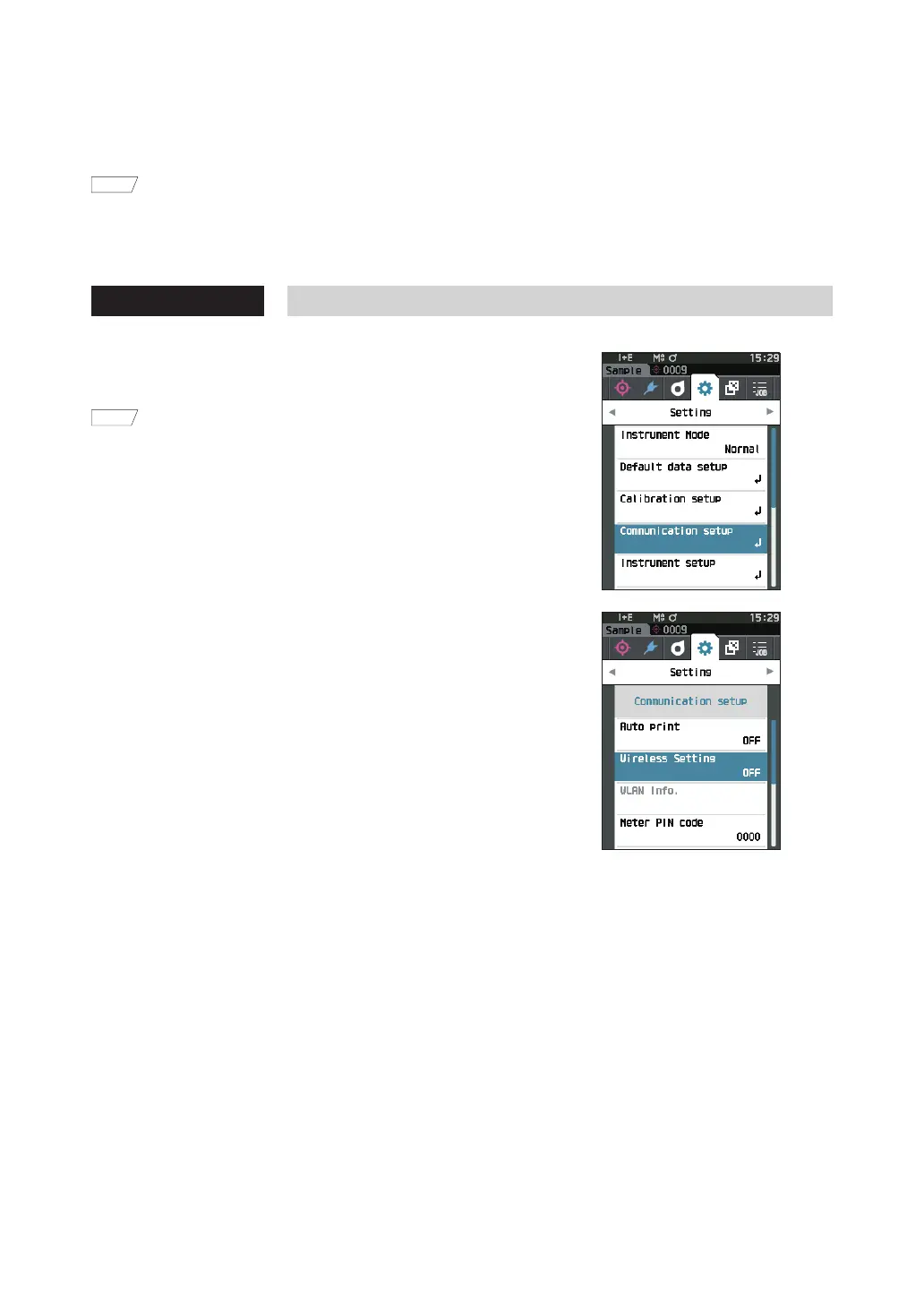
Communication Setup (When Using Wireless LANFunction: Infrastructure)
First, register the access point information to the instrument using Configuration Tool CM-CT1. For details, refer to
the instruction manual of the CM-CT1.
Memo
Information such as the access point and IP address registered to the instrument can be viewed on the instrument’s
<Setting> - <Communication setup> - <WLAN Info.> screen.
Next, select “Infrastructure” for the wireless LAN function to connect to the computer.
Operating Procedure Start the procedure from the measurement screen.
1
Press [MENU], and then use [
] or [
] to display the
<Setting> screen.
Memo
To return to the previous screen, press [MENU] or [ESC].
2
Use [
] or [
] to move the cursor to
“Communication setup”, and then press the
[Confirmation] key.
The <Communication setup> screen is displayed.













 To Next Page