53
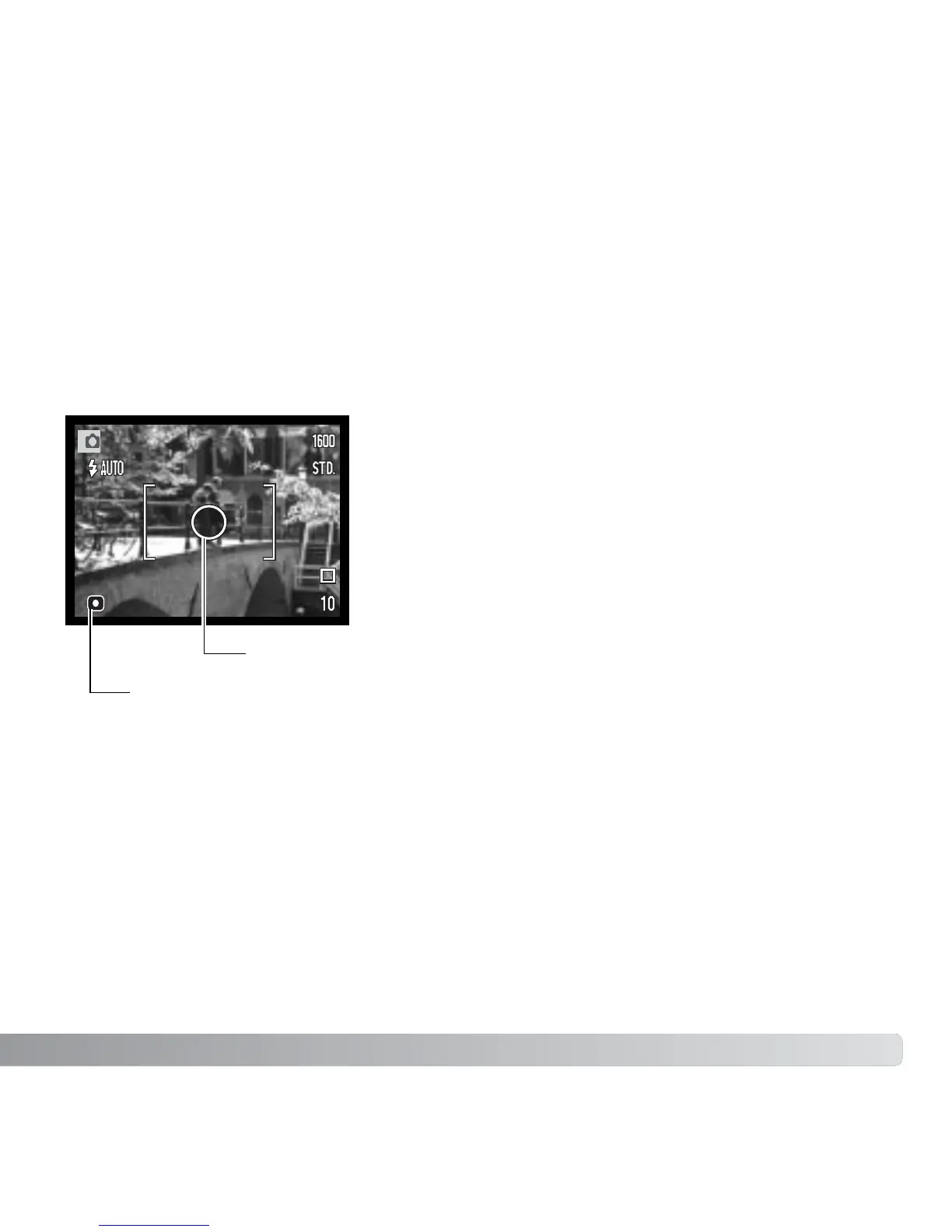
Spot metering: uses a small area within the image to
calculate the exposure. When this mode is selected, the
LCD monitor will automatically activate if off and a small
circle will appear in the middle of the live image
indicating the measuring area. The spot allows precise
exposure measurements of a particular object without
being influenced by extremely bright or dark areas within
the scene. If the LCD monitor is turned off, the spot-
metering mode will remain active.
Multi-segment metering: uses 256 segments to measure luminance and color. This
data is combined with distance information to calculate the camera exposure. This
advanced metering system will give accurate worry-free exposures in almost all
situations.
The icons indicating the metering modes are displayed on the monitor. The metering
mode is set in section 2 of the recording mode menu (p. 43).
METERING MODES
Spot-metering area
Spot-metering indicator



 To Next Page
 Loading...









