89
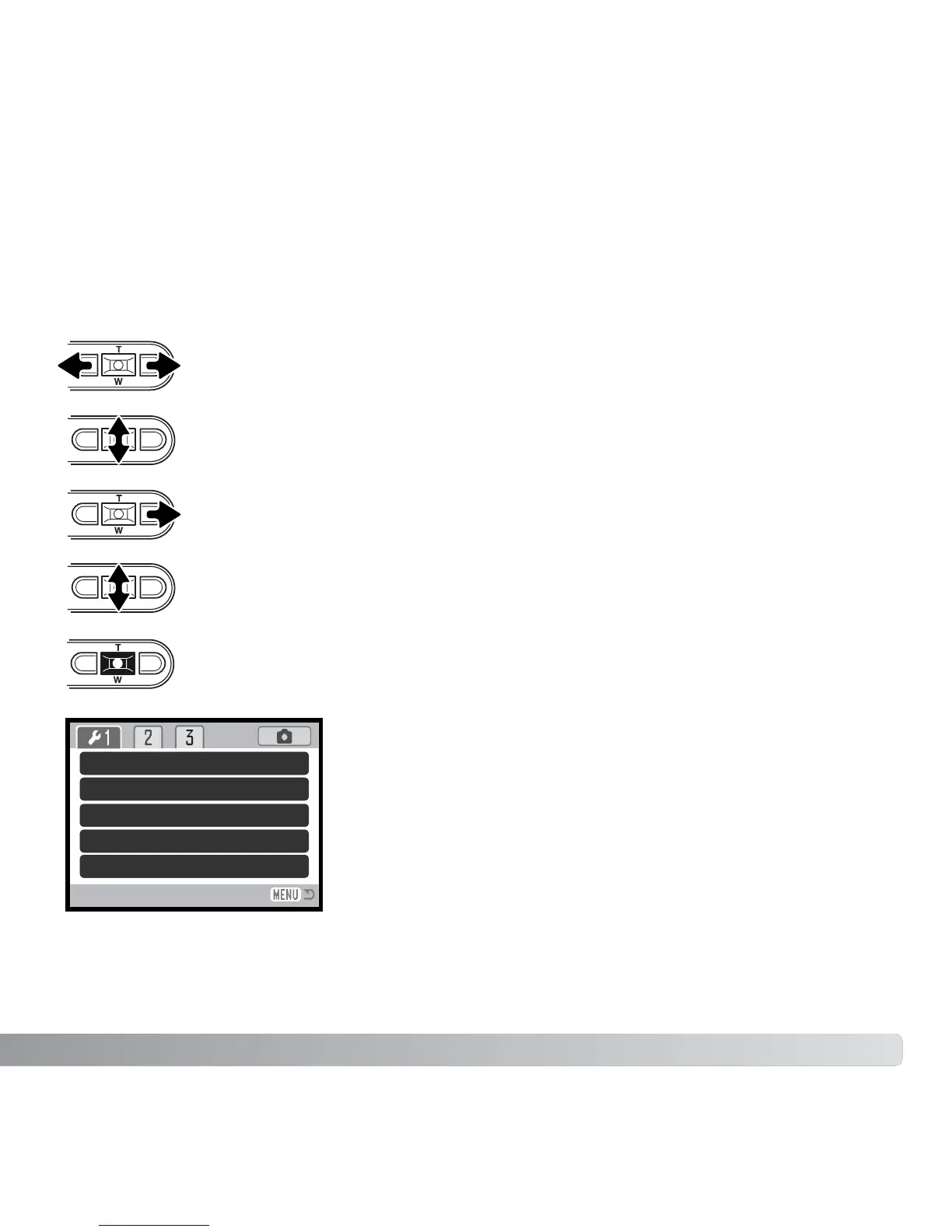
Navigating the menu is simple. The left/right and up/down keys of the controller control
the cursor and change settings on the menu. Pressing the center button of the controller
selects menu options and sets adjustments.
NAVIGATING THE SETUP MENU
When the desired menu section is displayed, use the up/down key to scroll
through the menu options. Highlight the option whose setting needs to be
changed.
With the menu option highlighted, press the right key; the settings will be
displayed with the current setting highlighted. If “Enter” is displayed, press the
center button of the controller to continue.
Press the center button of the controller to select the highlighted setting.
Use the zoom lever to highlight the new setting.
The section 1 tab at the top of the menu will be highlighted. Use the left/right
keys to highlight the appropriate menu tab; the menus will change as the tabs
are highlighted.
Once a setting has been selected, the cursor will return to
the menu options and the new setting will be displayed.
Changes can continue to be made. To return to the
recording mode, press the menu button.
LCD brightness
Format
File # memory
Folder name
Language
–
–
Off
Std. form
English



 To Next Page
 Loading...









