69
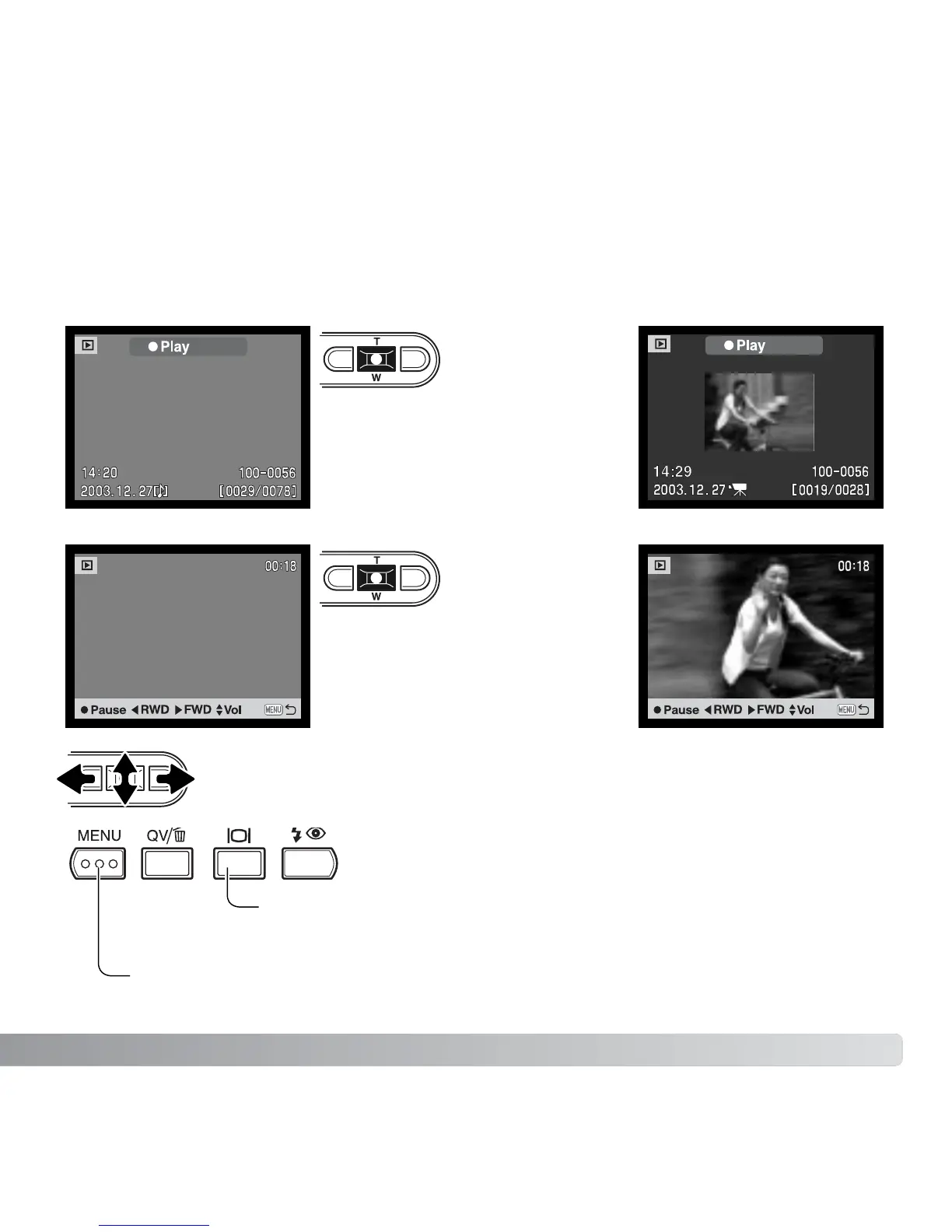
Press the controller
to pause the movie
or audio playback;
press the controller
again to resume the
playback.
Movie clips and audio recordings are played back the same way. Use the left/right keys
of the controller to display the movie or audio file; audio files are displayed with a blue
screen.
Press the center of
the controller to play
back a movie or
audio file.
PLAYING BACK MOVIES AND AUDIO RECORDINGS
Press the display button to view the movie with or without the
guidance bar.
During playback, the up/down keys adjust the volume and the left/right
keys rewind and fast forward the recording.
Audio file
Movie file
To cancel the playback, press the menu button.



 To Next Page
 Loading...









