EasyManua.ls Logo

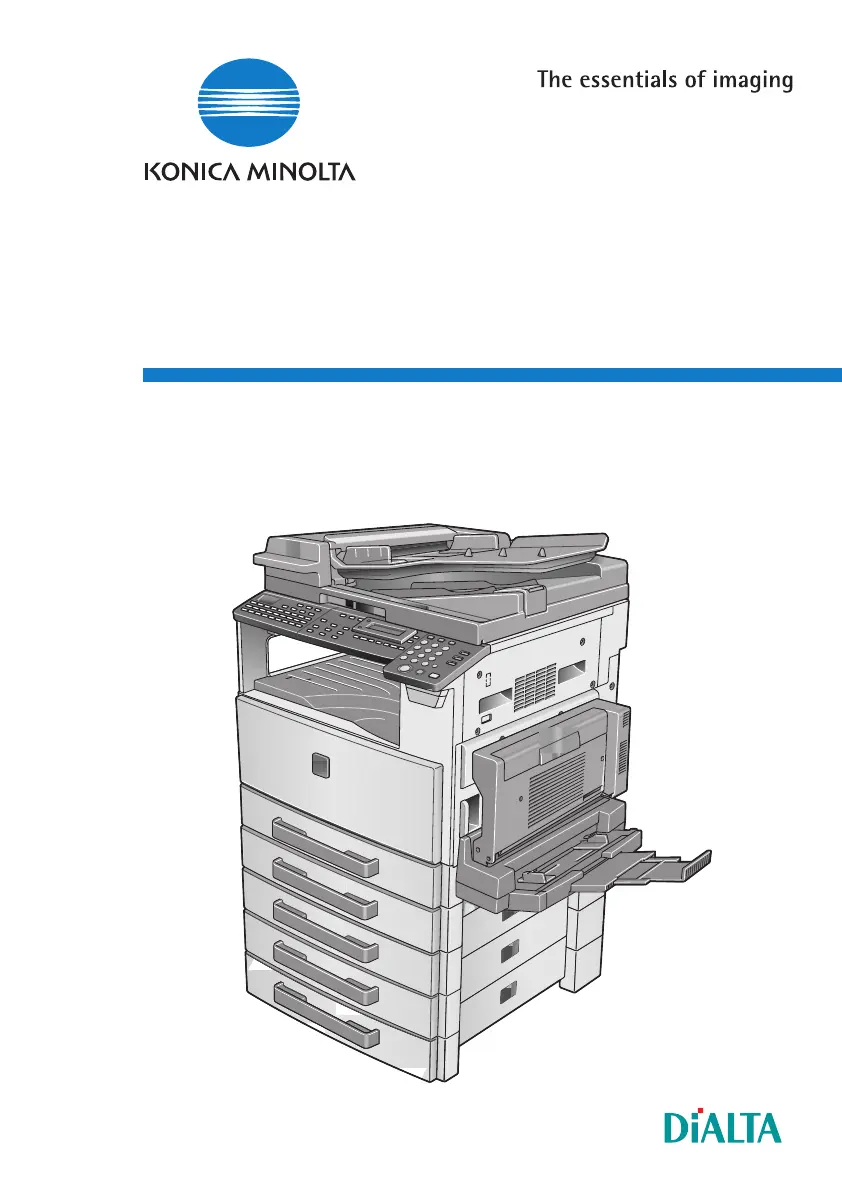
Konica Minolta FX-3 - User Manual

Konica Minolta FX-3
168 pages
Print Icon
To Next Page IconTo Next Page
Loading...
User Manual
Englisch
www.konicaminoltaeurope.com
Copyright
2004 KONICA MINOLTA BUSINESS TECHNOLOGIES, INC.
Konica Minolta Business Solutions Europe GmbH
Europaallee 17
D-30855 Langenhagen
Phone +49 (0)5 11 74 04-0
Fax +49 (0)5 11 74 10 50
Printed in Germany
*9965161100*
*9965161100*
Di1611/Di2011 Fax Unit (FX-3)
User Manual
Di1611/Di2011 Fax Unit (FX-3)

Table of Contents

Questions and Answers

  • B
    Bethany JordanAug 12, 2025
    What to do if Konica Minolta Copier has streaks through the copy?
    • J
      Jeffrey AndersonAug 12, 2025
      If your Konica Minolta Copier is producing copies with streaks or specks, the Original Glass may be dirty. Wipe the glass with a soft dry cloth. Another cause could be a dirty document pad, in which case you should clean it with a soft cloth dampened with a mild detergent. If the original is highly translucent, place a blank sheet of paper over the document. If a thin double-sided document is being copied, use the Auto/Photo key to select a lighter density for the background. If the Imaging Unit has reached the end of its service life, contact your service representative.
  • M
    Michele SchultzAug 19, 2025
    Why is my Konica Minolta Copier copy too dark?
    • S
      Steven RamseyAug 19, 2025
      If copies from your Konica Minolta Copier are too dark, it may be because the copy density is set too dark; use the Auto/Photo key to select a lighter copy density. Another reason could be that the document was not pressed closely against the Original Glass. Position the document so that it is pressed closely against the Original Glass.
  • C
    Christian Lee DVMAug 27, 2025
    Why is my Konica Minolta Copier copy too light?
    • D
      Daniel WilsonAug 27, 2025
      If copies from your Konica Minolta Copier are too light, the copy density may be set too light. Use the Auto/Photo key to select a darker copy density. Alternatively, the copy paper may be damp; replace the paper.
  • W
    William MitchellSep 3, 2025
    What to do if Konica Minolta Copier copy is blurry?
    • T
      Taylor SmallSep 3, 2025
      If your Konica Minolta Copier is producing blurry copies, the copy paper may be damp. Replace the paper. Also, ensure the document is pressed closely against the Original Glass; reposition if necessary.

Konica Minolta FX-3 Specifications

General IconGeneral
BrandKonica Minolta
ModelFX-3
CategoryPrinter
LanguageEnglish

Related product manuals