3 Browsing Network Devices
8
3.2 Verifying Device Setup Status
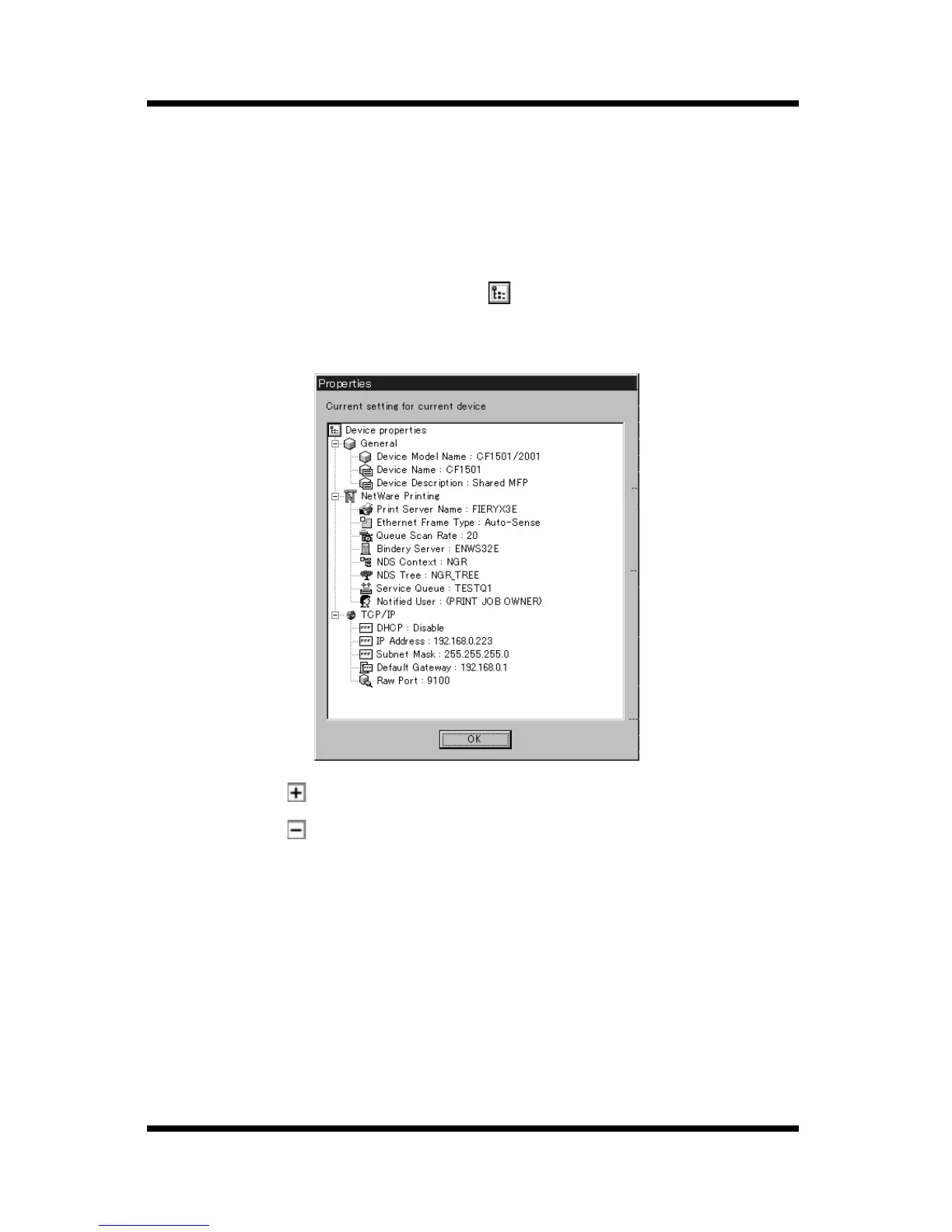
Verify the current device setup status as follows.
1. On the device list, click on the icon for the device whose setup
status you want to verify.
2. Select
Device Property
on the
File
menu.
You could also click the toolbar button.
This displays the
Properties
dialog which shows the current setup
status for the device.
• Click a button on the tree to expand an item.
• Click a button on the tree to collapse an item.
The
Properties
dialog contains the following information.
General
Displays the settings for managing the device. See 4.1 Configuring
Device Information for details about changing this setup.
NetWare Printing
Displays the setup for device NetWare printing. See 4.3
NetWare Print Setup for details about changing this setup.



 To Next Page