5 Option Setup
30
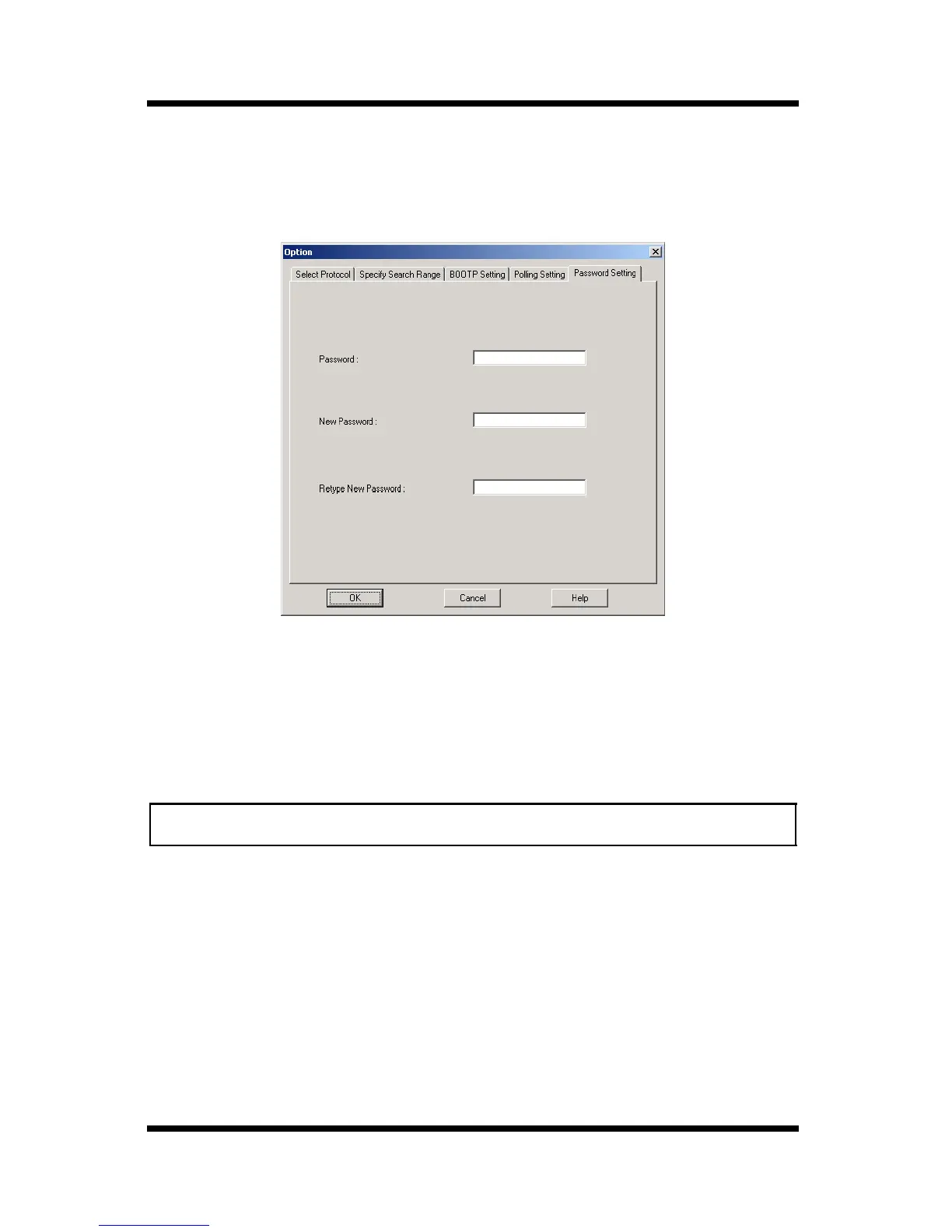
5.5 Changing the Password
The password used to start up PageScope Network Setup can be
changed.
1. Type in the current password into the
Password
box.
2. Type the new password (maximum 16 characters) into the
New
Password
box.
3. Retype the new password into the
Retype New Password
box.
4. Click the
OK
button.
Note
• The default password is “admin”.



 To Next Page