3 Browsing Network Devices
10
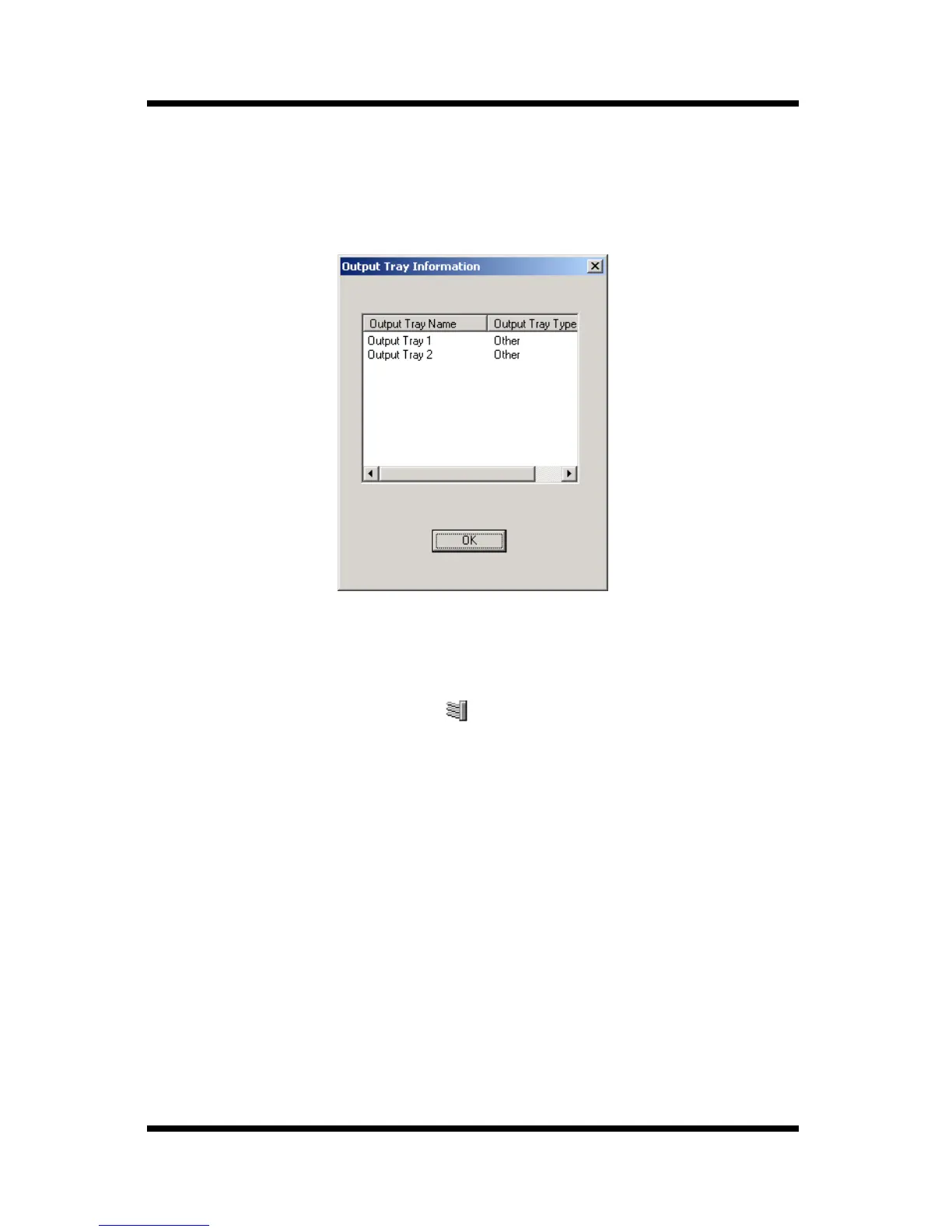
3.4 Displaying Device Output Tray Information
Follow the procedure described below to display output tray
information for the device selected in the device list.
1. In the device list, click the icon of the device whose output tray
information you want to display.
2. Select
Device Output Tray Information
on the
File
menu. You
could also click the toolbar button.



 To Next Page