4 Changing the Device Setup
11
4 Changing the Device Setup
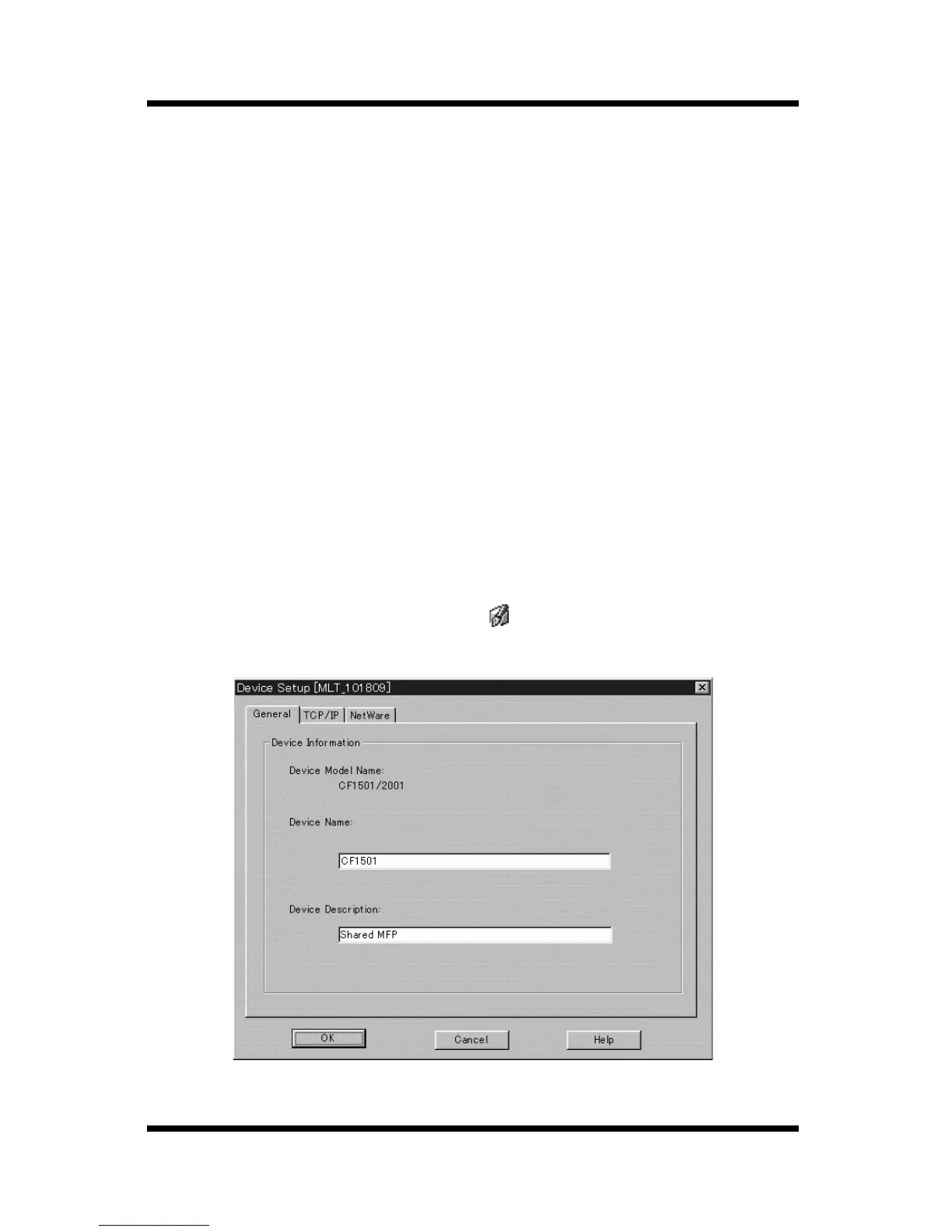
Use the
Device Setup
dialog to change a device setup.
The following are the settings that can be configured when changing a
device setup.
• Device Information
• TCP/IP
• NetWare Print
4.1 Configuring Device Information
Perform the following steps to configure device information.
1. On the device list, click the icon of the device whose information
you want to configure.
2. Select
Device Setup
on the
Setup
menu to display the
Device
Setup
dialog box.
You could also click the toolbar button.
3. Click the
General
tab.



 To Next Page