3 Browsing Network Devices
9
TCP/IP
Displays the setup for device TCP/IP. See 4.2 Configuring TCP/
IP for details about changing this setup.
3. After you are finished, click the
OK
button to close the dialog box.
Note
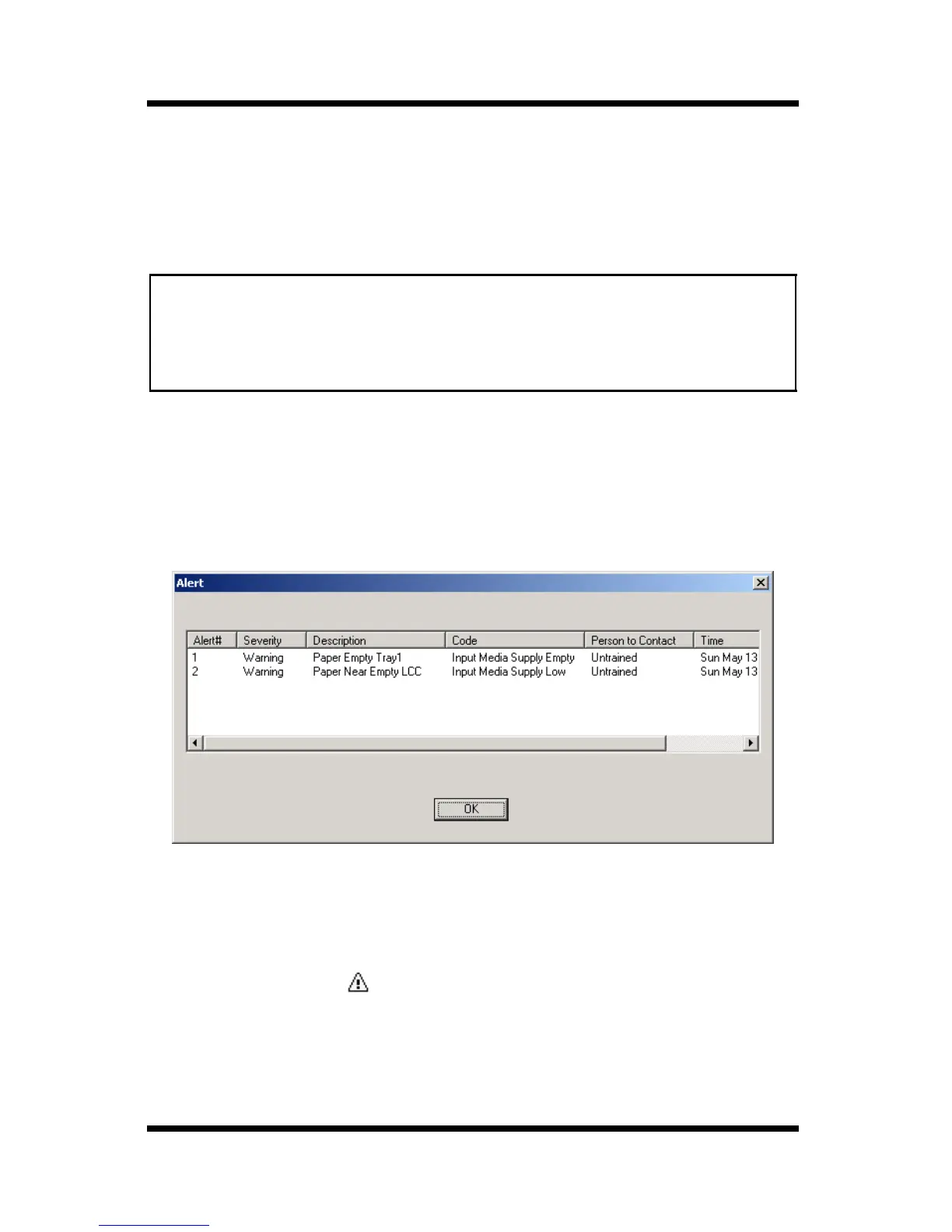
3.3 Displaying the Device Alert Property
Follow the procedure described below to display the alert information
for the device selected in the device list.
1. In the device list, click the icon of the device whose alert
information you want to display.
2. Select
Device Alert Property
on the
File
menu. You could also
click the toolbar button.
• You cannot verify the following attributes unless you have NetWare
Client 32 installed on your system and log in to the NetWare server.
- NetWare Service Queue
- NetWare Notify User



 To Next Page