5 Option Setup
24
5Option Setup
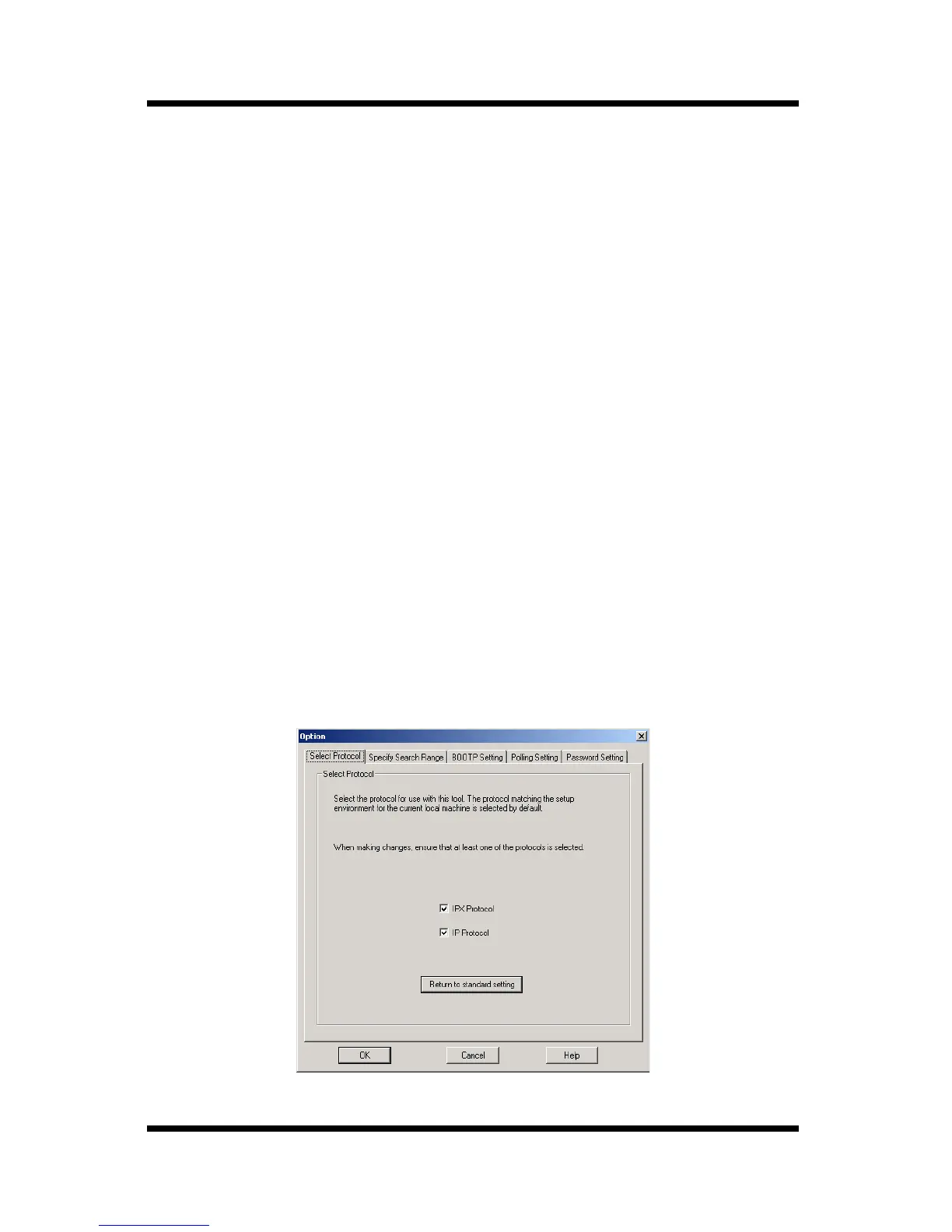
Use the
Option
dialog box to configure PageScope Network Setup
options.
The following are the settings that can be configured when changing
the option setup.
• Protocol (See 5.1 Selecting a Protocol)
• Search Range (See 5.2 Specifying the Search Range)
• BOOTP Setting (See 5.3 Specifying BOOTP)
• Polling Setting (See 5.4 Specifying Polling Settings)
• Password Setting (See 5.5 Changing the Password)
5.1 Selecting a Protocol
Perform the steps below to select the protocol for use with PageScope
Network Setup. The functions available with PageScope Network
Setup depend on the protocol that is currently selected.
1. Select
Option
on the
Setup
menu to display the
Option
dialog box.
2. Click the
Select Protocol
tab.



 To Next Page