4 Changing the Device Setup
22
4.3.5 Verifying the Setup
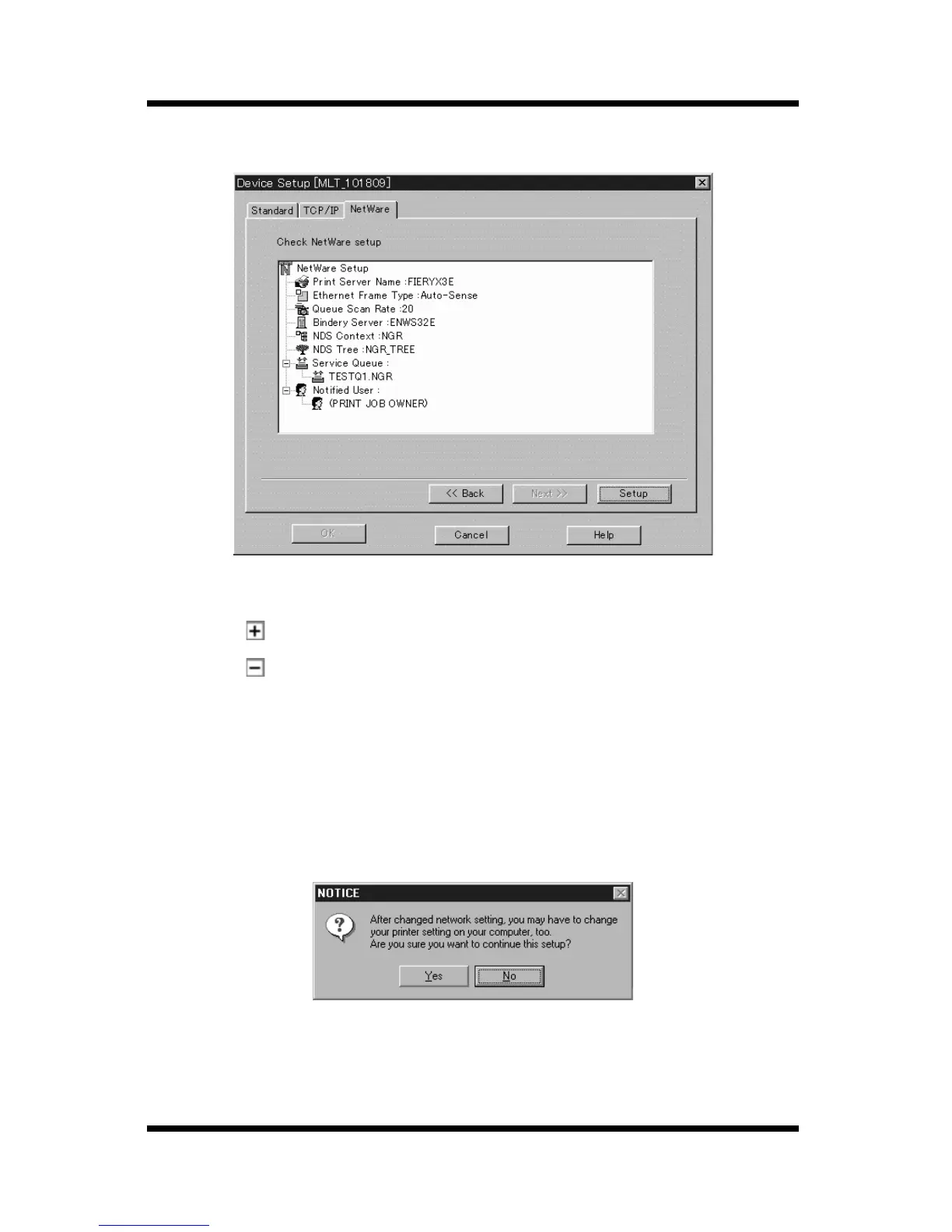
The NetWare setup details are displayed in the list.
• Click a button on the tree to expand an item.
• Click a button on the tree to collapse an item.
If you want to change something in the setup, click the
Back
button to
return to the setup screen, and then make the changes you want.
If the setup is the way you want, click the
Setup
button to proceed with
the setup.
A message asking for confirmation to continue the setup appears. Click
the
Yes
button.



 To Next Page