100
Using Windows
Installing the included software (CD-ROM) and KD-310Z User’s Guide
1) Turn on the PC power and start Windows.
2) Set the included CD-ROM in the CD-ROM drive.
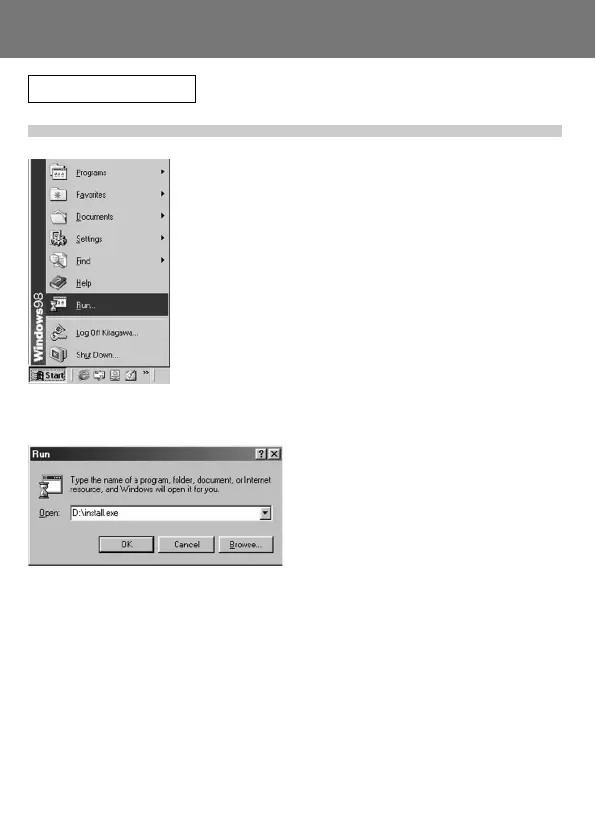
3) Click the Start button and select “Run...”.
4) Enter “D:\install.exe” and click “OK”.
• The above assumes that your CD-ROM
is D. To check the CD-ROM drive letter of
your PC, open “My Computer” and check
the letter displayed on the CD-ROM drive
icon.
Installing software from the CD-ROM supplied (Cont’d)



 To Next Page
 Loading...









