Parallel Port / Floppy Interfaces
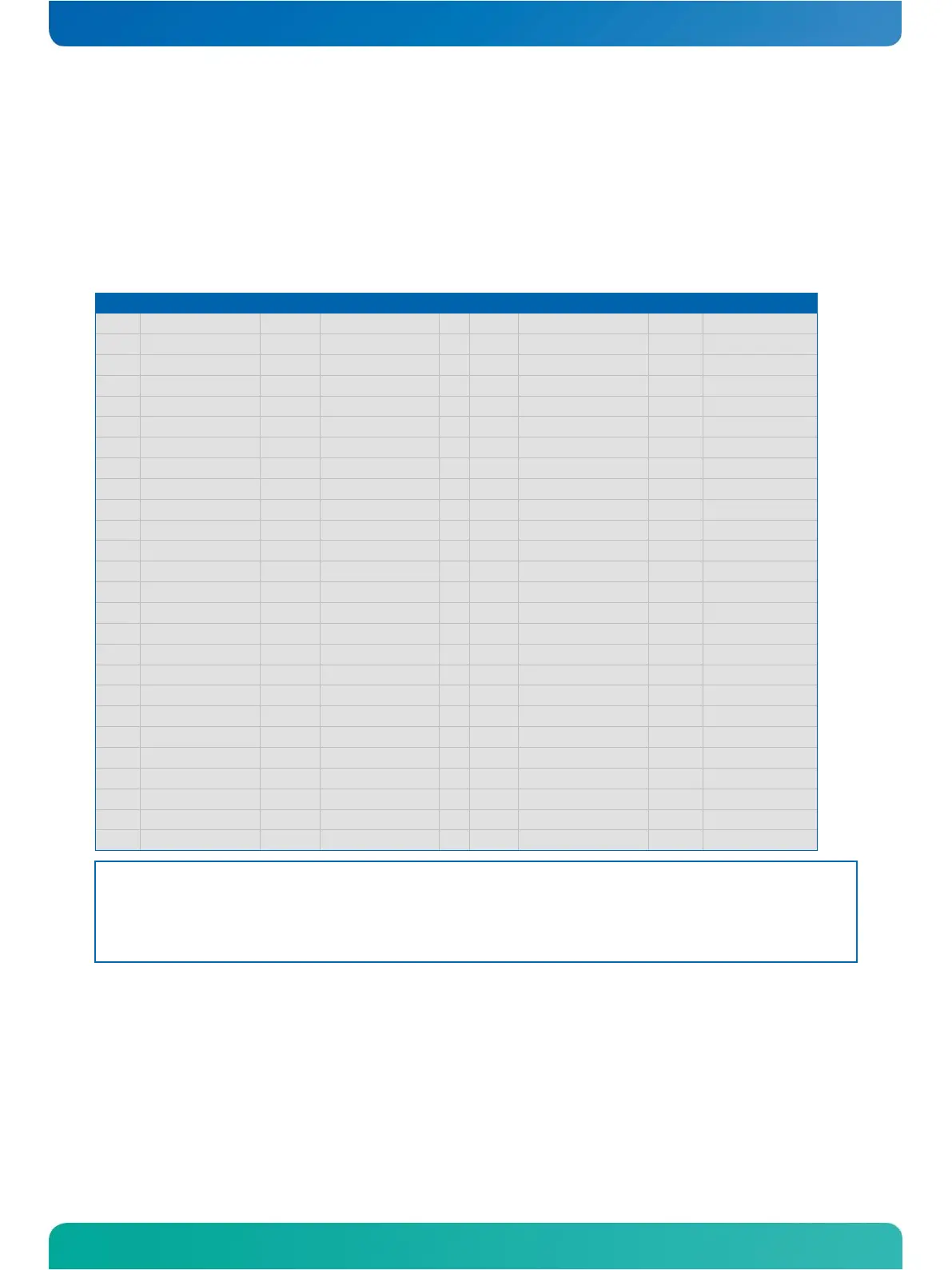
You can configure ETX®-DC’s parallel port interfaces as conventional PC parallel ports or as an interface for a floppy-
disk drive. You can select the operating mode in the BIOS settings and by a hardware mode-select pin.
If Pin X3-51 (LPT/FLPY#) is grounded at boot time, the floppy support mode is selected. If the pin is left floating or is
held high, parallel-port mode is selected. The mode selection is determined at boot time. It cannot be changed until
the next boot cycle.
Parallel Port Mode Pinout
Floppy Support Mode Pinout
Notes: *To protect external power lines of peripheral devices, make sure that:
- the wires have the right diameter to withstand the maximum available current
- the enclosure of the peripheral device fulfils the fire-protection requirements of IEC/EN60950



 To Next Page