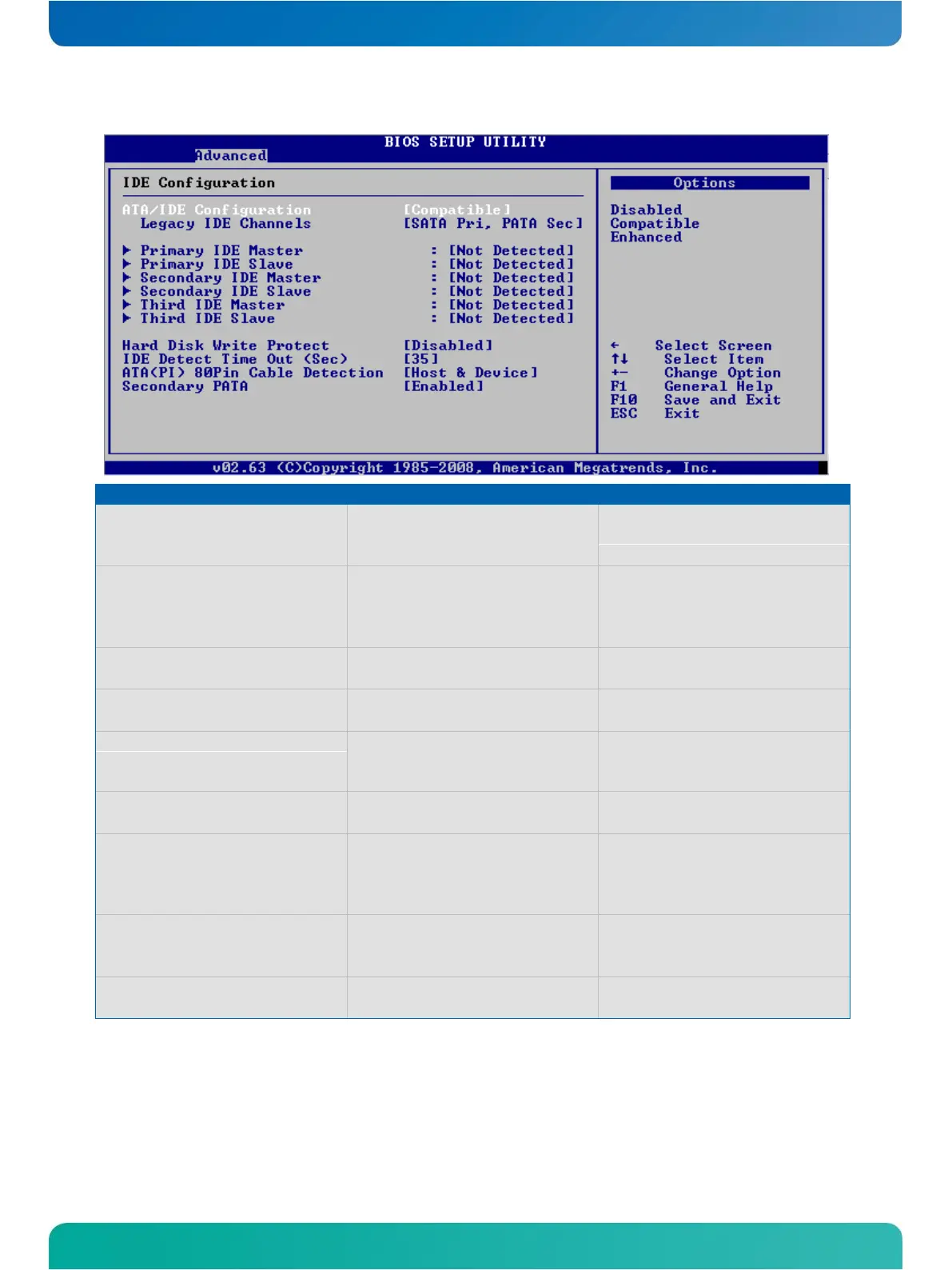
IDE Configuration Menu
Disabled
Compatible
Enhanced
Disables or selects the mode for the
ATA/IDE interface
Legacy IDE Channels (Only when
Compatible)
SATA only
Reserved
SATA Pri, PATA Sec
PATA only
Selects the IDE channel behavior in
compatible mode
Configure SATA as (Only when Enhanced)
Selects the SATA mode in compatible IDE
mode
Configure SATA channels (Only when
Enhanced)
Configures when the SATA controller is
initialised
Enables and Disables the Hard Disk Write
Protection which only works, when the
HDD is accessed through BIOS
Enables and Disables the Speed Stepping
Feature
IDE Detect Time Out (Sec)
Selects the time for the IDE Detect Time
Out in seconds
ATA(PI) 80 Pin Cable Detection
Host & Device
Host
Device
Selects the mechanism for detecting
ATA(PI) 80 pin cable
Enables and Disables the secondary IDE
channel



 To Next Page