EasyManua.ls Logo

Kontron KTQ67/Flex - Security

Kontron KTQ67/Flex
113 pages
Print Icon
To Next Page IconTo Next Page
To Previous Page IconTo Previous Page
Loading...
KTQ67 Users Guide
KTD-N0829-D Page 110
9.8 Security
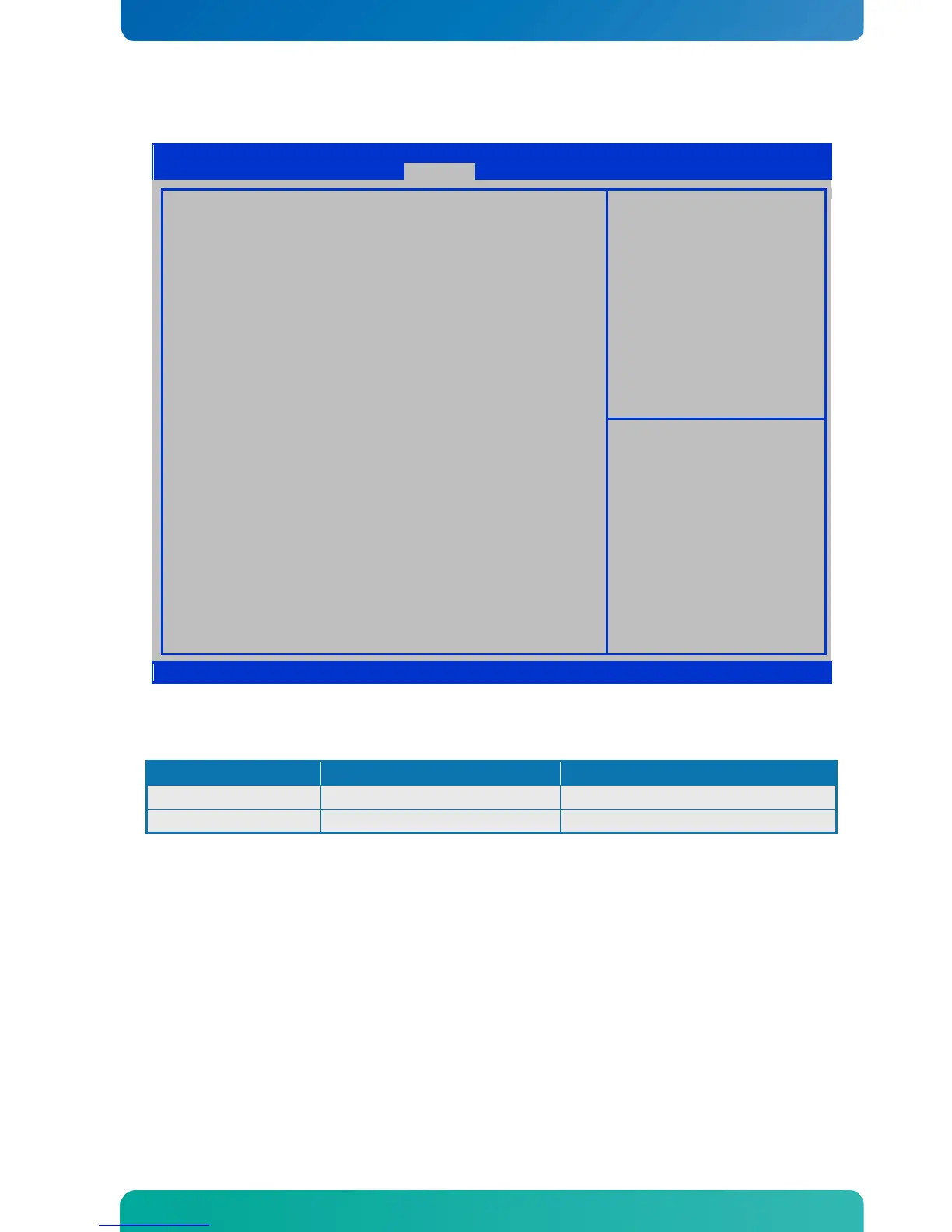
Aptio Setup Utility Copyright © 2011 American Megatrends, Inc.
Main
Advanced
Chipset
Boot
Security
Save & Exit
Password Description
If ONLY the Administrator’s password is set,
then this only limits access to Setup and is
only asked for when entering Setup.
If ONLY the User’s password is set, then this
is a power on password and must be entered to
boot or enter Setup. In Setup the User will
have Administrator rights.
The password length must be 3 to 20 characters long.
Set Administrator Password
Administrator Password
User Password
→← : Select Screen
↑↓ : Select Item
Enter: Select
+/- : Change Opt.
F1: General Help
F2: Previous Values
F3: Optimized Defaults
F4: Save & Exit
ESC: Exit
Version 2.11.1210. Copyright © 2011 American Megatrends, Inc
Function Selection Description
Administrator Password (See Password description above) Set Administrator Password
User Password (See Password description above) Set User Password

BIOS -Security

Table of Contents