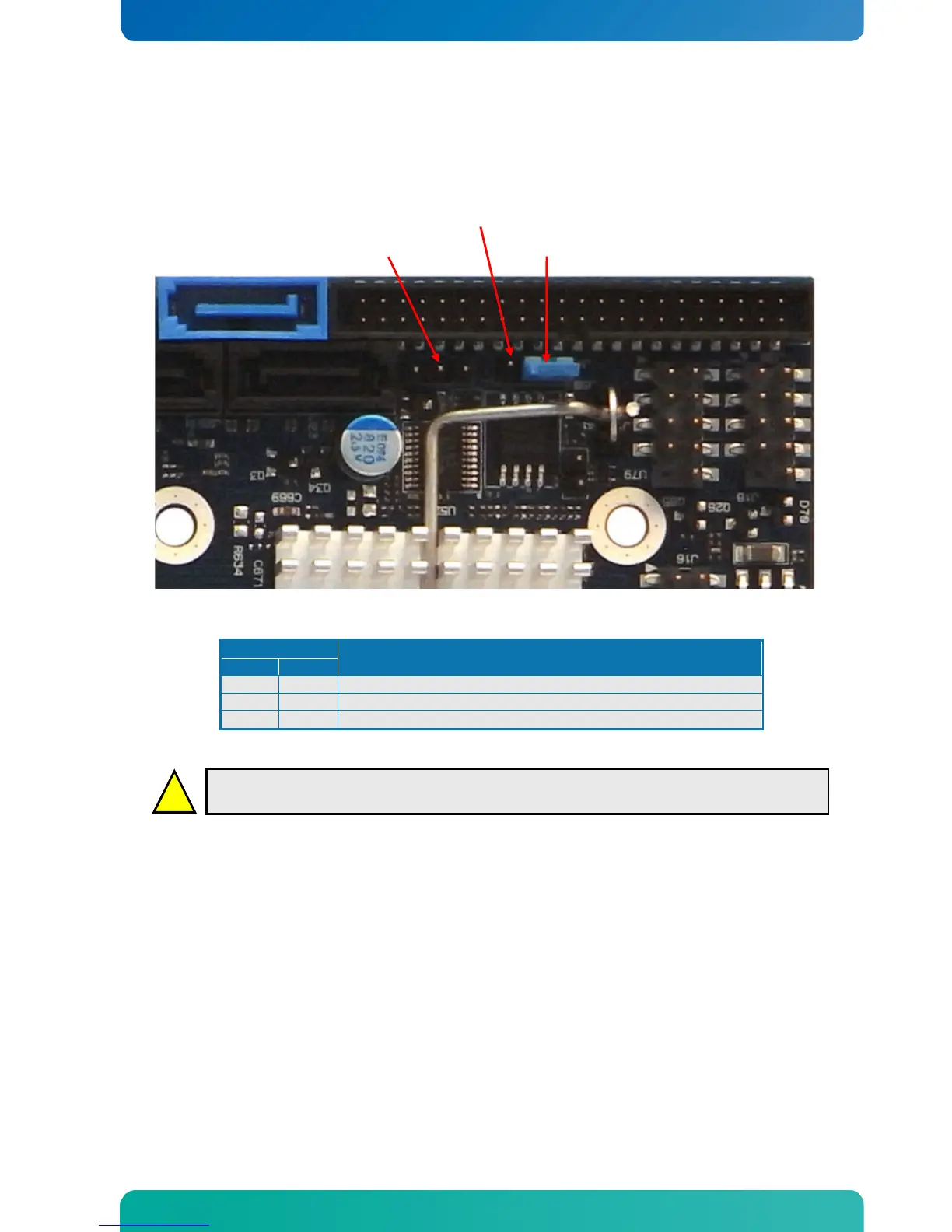
Warning: Don’t leave the jumper in position 1-2, otherwise the battery will fully depleted within
a few weeks if power to the board is disconnected.
To clear CMOS settings, including Password protection, move the Clear CMOS jumper to pin 1-2 for a few
seconds (~10 sec) (works with or without power connected to the system).
To disable the Secure CMOS function (selected in BIOS), remove the jumper completely from J11.
Leave the Jumper in position 2-3 (default position).
6.12 ClrRTC (J12)
The ClrRTC (J12) connector is not used. Do not install any jumper in case J12 pin row is available.


 To Next Page