KTD-N0829-D Page 76
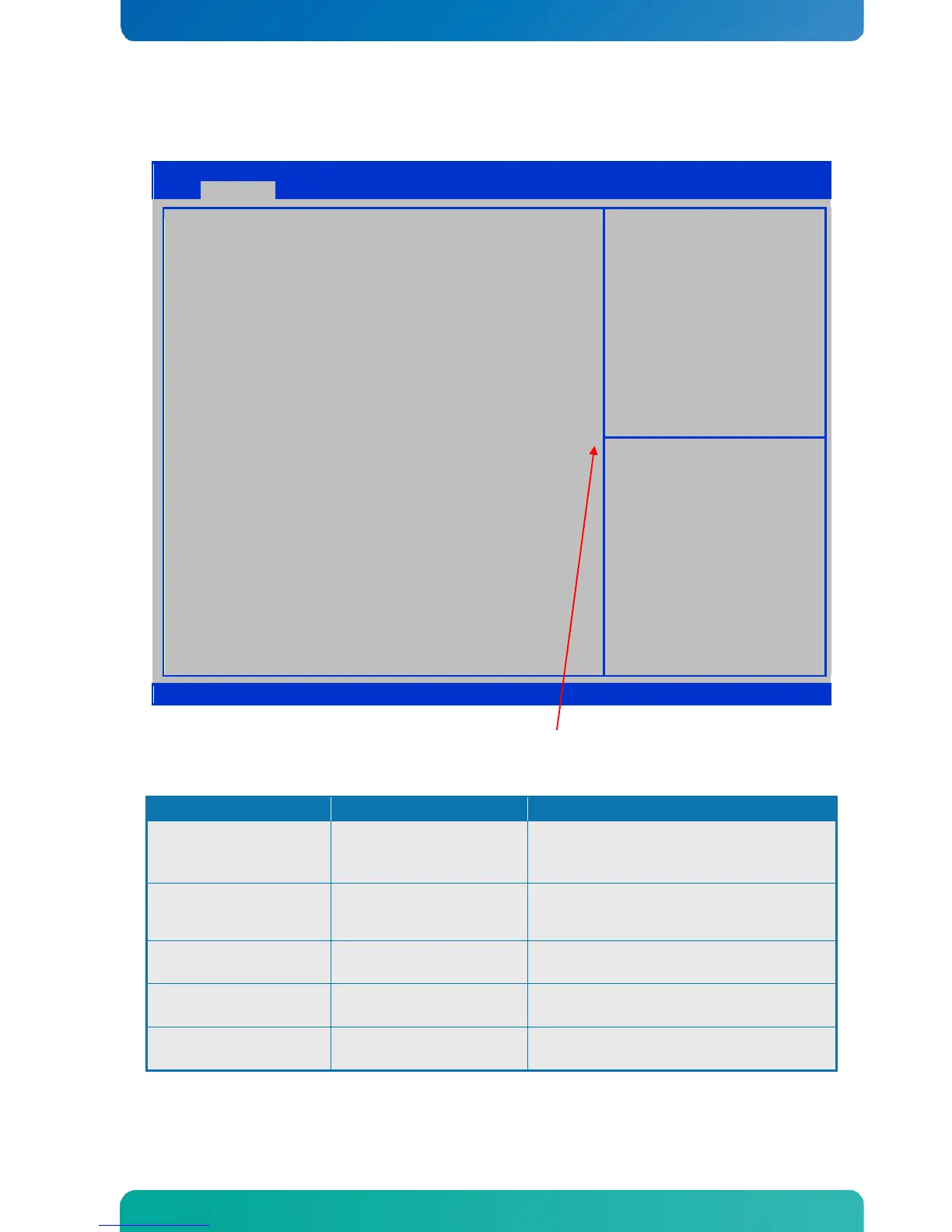
9.5.5 Advanced - SATA Configuration
The below description is only when SATA Mode = AHCI Mode. For other SATA Modes see next pages.
Aptio Setup Utility – Copyright © 2011 American Megatrends, Inc.
SATA Mode
Aggressive Link Power Management
SATA Port 0
Staggered Spin–up
External SATA Port
Hot Plug
SATA Port 1
Staggered Spin–up
External SATA Port
Hot Plug
SATA Port 2
Staggered Spin–up
External SATA Port
Hot Plug
SATA Port 3
Staggered Spin–up
External SATA Port
Hot Plug
[ACHI Mode]
[Enabled]
Not Present
[Disabled]
[Disabled]
[Disabled]
Not Present
[Disabled]
[Disabled]
[Disabled]
Not Present
[Disabled]
[Disabled]
[Disabled]
Not Present
[Disabled]
[Disabled]
[Disabled]
(1) IDE Mode. (2) AHCI Mode.
↑↓ : Select Item
Enter: Select
+/- : Change Opt.
F1: General Help
F2: Previous Values
F3: Optimized Defaults
F4: Save & Exit
ESC: Exit
Version 2.11.1210. Copyright © 2011 American Megatrends, Inc
(Scroll indicator bar)
Note: By scrolling down (or up) also settings for SATA Port 4 - 5 can be accessed.
Function Selection Description
SATA Mode
IDE
ACHI
RAID
(1) IDE Mode. (2) AHCI Mode. (3) RAID
Mode.
Aggressive Link Power
Management
Disabled
Enabled
Aggressive Link Power Management
Support. For Cougar Point B0 stepping
onwards.
Staggered Spin–up
Disabled
Enabled
AHCI Supports Staggered Spin-up
External SATA Port
Disabled
Enabled
eSATA Ports Support
Hot Plug
Disabled
Enabled
SATA Ports Hot Plug Support



 To Next Page