34
Connecting a computer
By using the included USB cable to connect
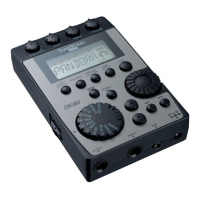
the TMR-50 to a computer, the TMR-50 can
be used like a regular USB device.
Recorded data can be transferred to the
computer, or music data saved on the
computer can be transferred to the TMR-50.
When the TMR-50 is connected to a
computer, the tuner, metronome and
recorder do not run.
Computer system requirements
Windows
Computer with a USB port that runs Microso
Windows XP/Vista/7
Macintosh
Mac OS X 10.5 or later
Connecting the TMR-50 to the computer
Be sure to use the included USB cable to
connect the TMR-50 to a computer.
1. Turn o the power to the TMR-50.
2. Turn on the power to the computer.
3.
Use the USB cable to connect the TMR-50
to the computer.
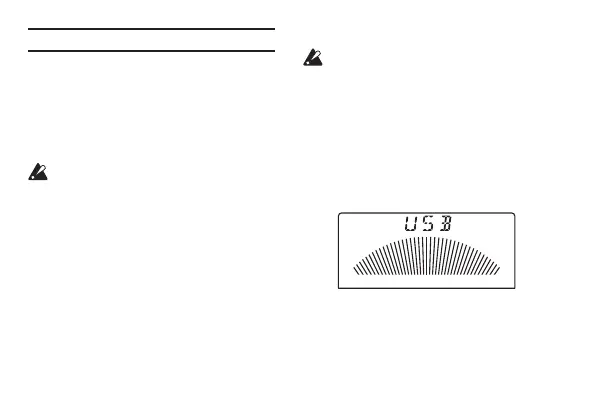
Aer the connections are complete, the
following screen will appear on the display.
Note: When the TMR-50 is connected to a
computer via the USB cable, the power to the
device is supplied by the computer.





 To Next Page