Operation
8
8.1 Visualisation
Basically, the visualisation distinguishes between the user area and the service area. The user area is
described in the chapter"User area (Page 73)". The service area is explained in detail in the chapter
"Service area (Page 100)" and illustrated by pictures of the control panel.
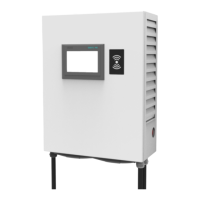
The visualisation is displayed on a Siemens touch screen (HMI - Human Machine Interface). The
command input / operation takes place via touches of the user or service employee in the screen
areas of the offered function keys.
8.2 User area
8.2.1Start image
When the charging station is restarted, the start-up screen appears after the operating system has
started up. It can take up to 5 minutes for the charging station to start up. During this time, the start-
up screen is displayed. All LED bars change colours together. It is not possible to operate the charging
station during this start-up period.



 To Next Page