4
© 2020 KOSTAL Solar Electric GmbH
Sequence of installation and commissioning
The following software is required for the PIKO MP plus function with battery. You can find these in the
download area for the PIKO MP plus.
n
PIKO MP plus: HMI 3.13.2 / PU-APP 3.7.0 / ENS1 1.31.0 / PAR 23.0.2
n
KOSTAL Smart Energy: 1.2.0
The following sequence must be observed when installing and commissioning the entire system to
avoid errors.
1. Install the KOSTAL Smart Energy Meters (KSEM) energy meter according to the operating
instructions.
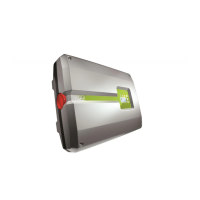
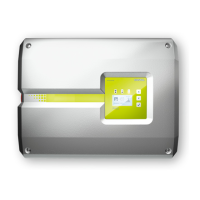
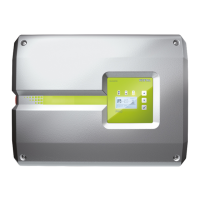
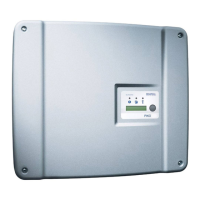
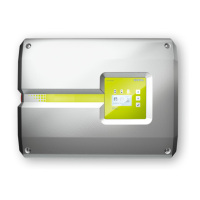
2. Install the PIKO MP plus inverter according to the installation instructions and switch on the the AC
side.
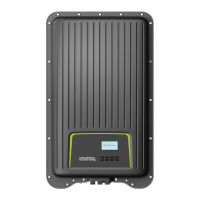
3. Install the BYD Battery-Box Premium HVS / HVM battery according to the operating instructions and
preconfigure it with the BYD-APP.
4. Set the inverters DC switch to OFF (0).
5. Switch o the battery by pressing the power button (min. 6 sec.) on the front.
6. Switch on the battery using the main switch on the side of the BCU.
7. Set up the inverter and battery in the KOSTAL Smart Energy Meter (KSEM).
8. Set the inverters DC switch to ON (|).
Switch-on sequence after error
The following sequence must be followed if an error has occurred or the battery was switched o
manually during operation using the circuit breaker on the battery.
1. Set the inverters DC switch to OFF (0).
2. Switch o the battery by pressing the power button (min. 6 sec.) on the front (if it is still switched on).
3. Switch on the battery using the main switch on the side of the BCU.
4. Set the inverters DC switch to ON (|).


 To Next Page