12 Troubleshooting
12.4 Error tree: No flow
12.4 Error tree: No flow
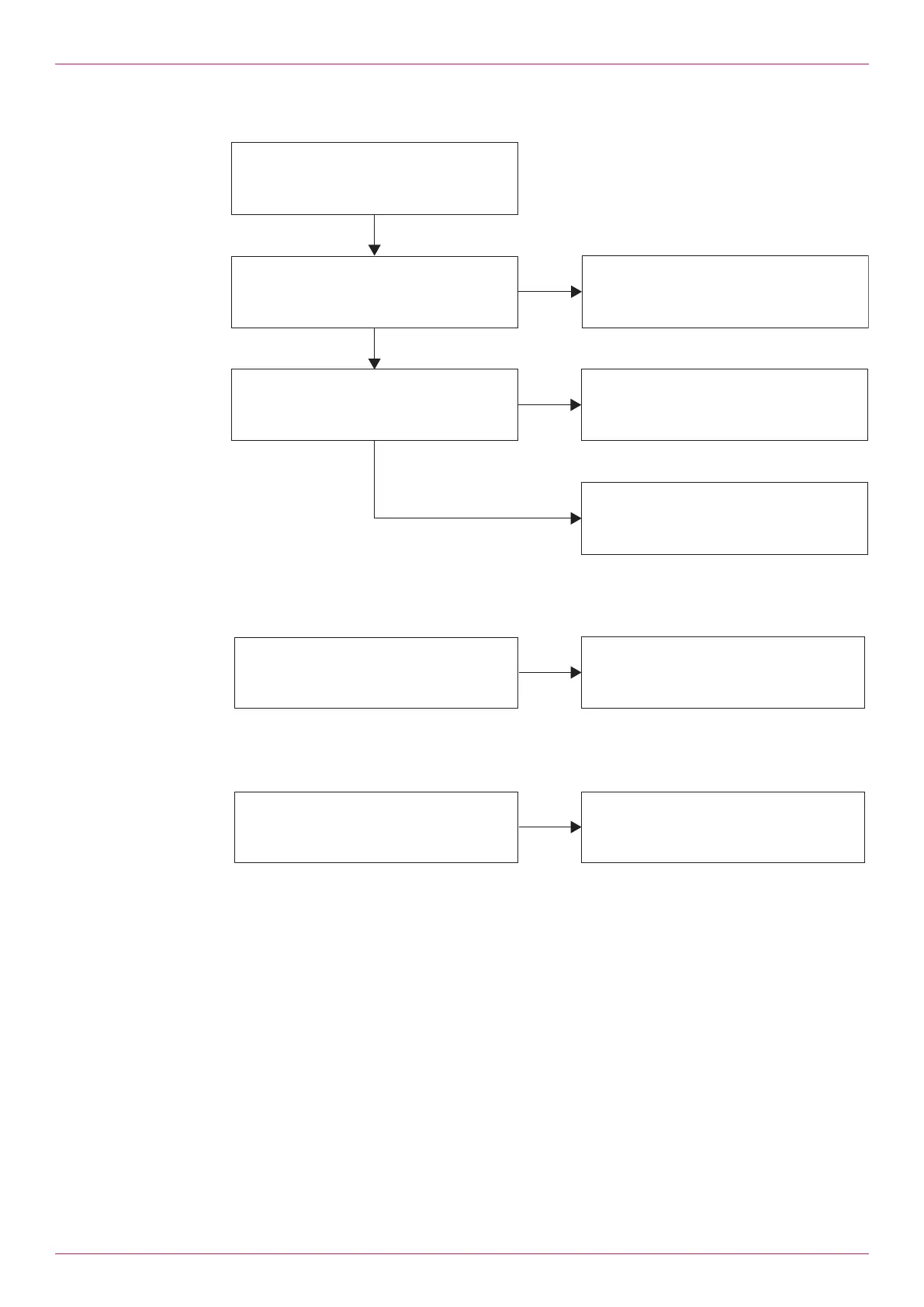
Remove the cover of the processing unit
and check the status of the LEDs.
- Counter mode: Does red LED 1 or 2 flash?
- Encoder mode: Do red LEDs 1 and 2 flash?
- Alarm_9 (excess temperature) activated?
- Error temperature sensor?
1. Check the cabling of the pick ups.
2. Check the function of the pick ups.
3. Check the flowmeter for blockades
1. Check the cabling of the temperature sensor.
2. Check the function of the temperature sensor.
3. Observe the temperature limits of the pumped
liquid (max. 105 °C).
1. Check the K-factors.
2. Check the density table.
3. Check the limit for the minimum flow.
(Parameter "Flow_zero_threshold")
YES
YES
NO
NO
Fig.11: Error tree: No flow
12.5 Error tree: Flow unusually high
Flow measurement unusually high?
1. Set to Encoder mode.
(Parameter "Pulse_Type")
2. Check the K-factors.
3. Check the density table.
YES
Fig.12: Error tree: Flow unusually high
12.6 Error tree: Flow rate varies too much
Does flow rate vary too much?
1. Increase the number of measured values for
averaging (parameter "Avg_Flow_Nb_Samples")
2. Install the flowmeter further away from the drive.
YES
Fig.13: Error tree: Flow rate varies too much
Operating instructions
OIE 26en-GB Edition 2021-08
23



 To Next Page