Activating Kramer remote support
Kramer remote support uses a TCP secured tunnel that connects securely to the Kramer
AWS system and enables Kramer support staff to connect to Kramer Control.
Use of this service requires entry of a unique Remote Support ID provided by Kramer Support.
To activate Kramer remote support:
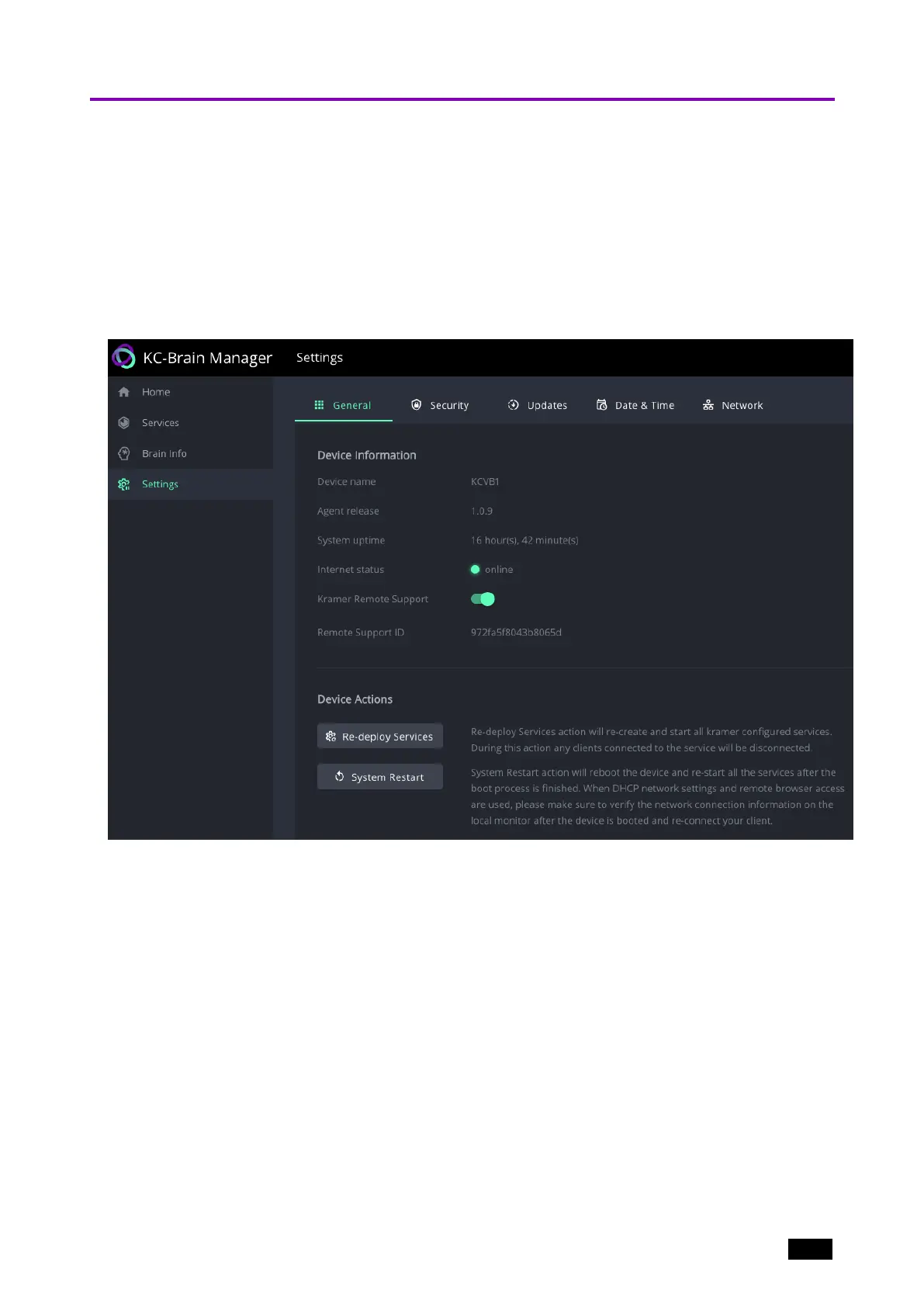
1. Navigate to Settings and open the General tab.
2. Move the Kramer Remote Support slider to the right (it turns green).
3. Enter your Remote Support ID.
Figure11: The Settings > General page.
Kramer Electronics Ltd.
KC-Virtual Brain1 - Essential First Steps 17



 To Next Page