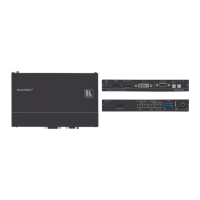
SID-X3N - Configuring the SID-X3N
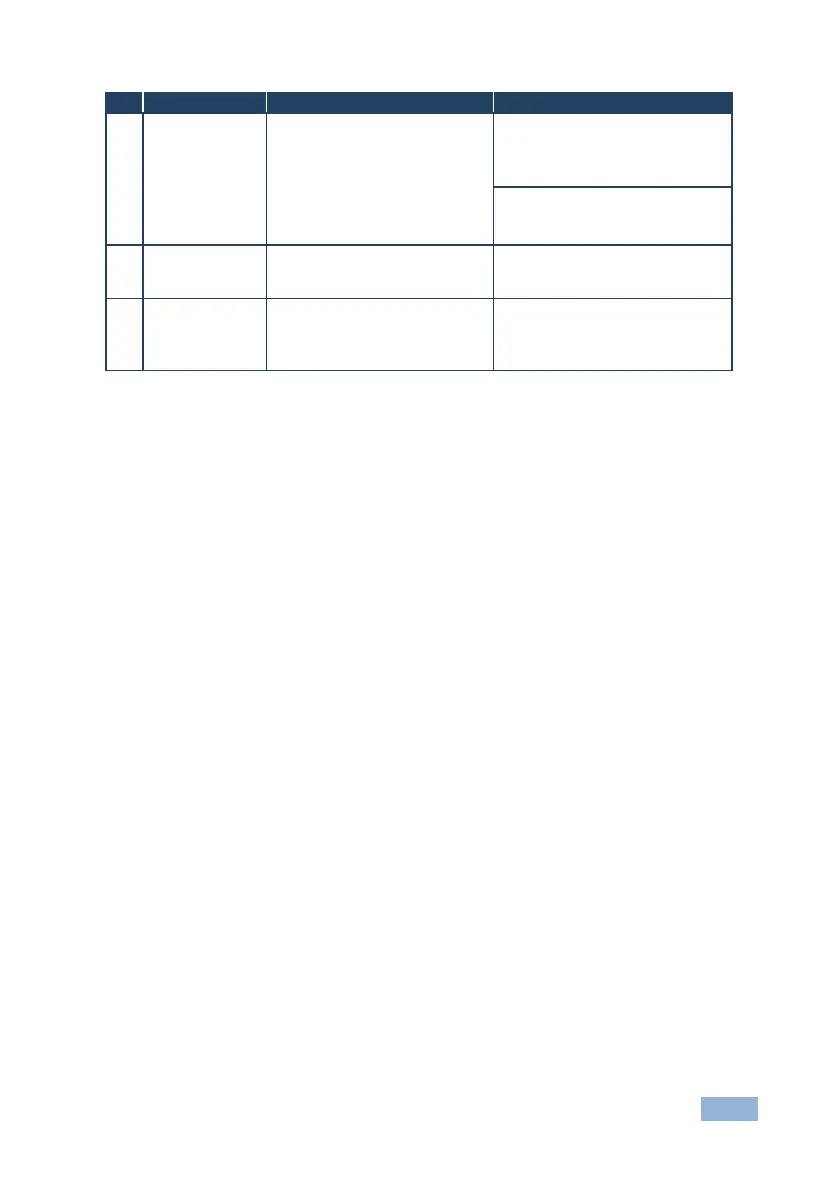
Selects the time delay before
switching occurs when an input
cable is removed.
Note: When the input sync is lost
but the cable is not removed, the
delay is always six seconds
When the input signal is lost but
the cable is not removed:
On—0.5 seconds
Off—10 seconds
When the cable is removed:
On—0.5 seconds
Off—3 seconds
Output Power
Shutdown Delay
Sets the delay time between loss
of the input signal and output
power shutdown
On—1 minute
Off—15 minutes
Enables/disables the output
power when the input signal is
lost
On—Power is always on
Off—Power is disabled when input
signal is lost after delay set by
DIP-switch 7
Note: DIP-switch 2 must be set to ON to enable DIP-switch 3 to control the DVI
audio mode selection.


 To Next Page