3. Click Set changes
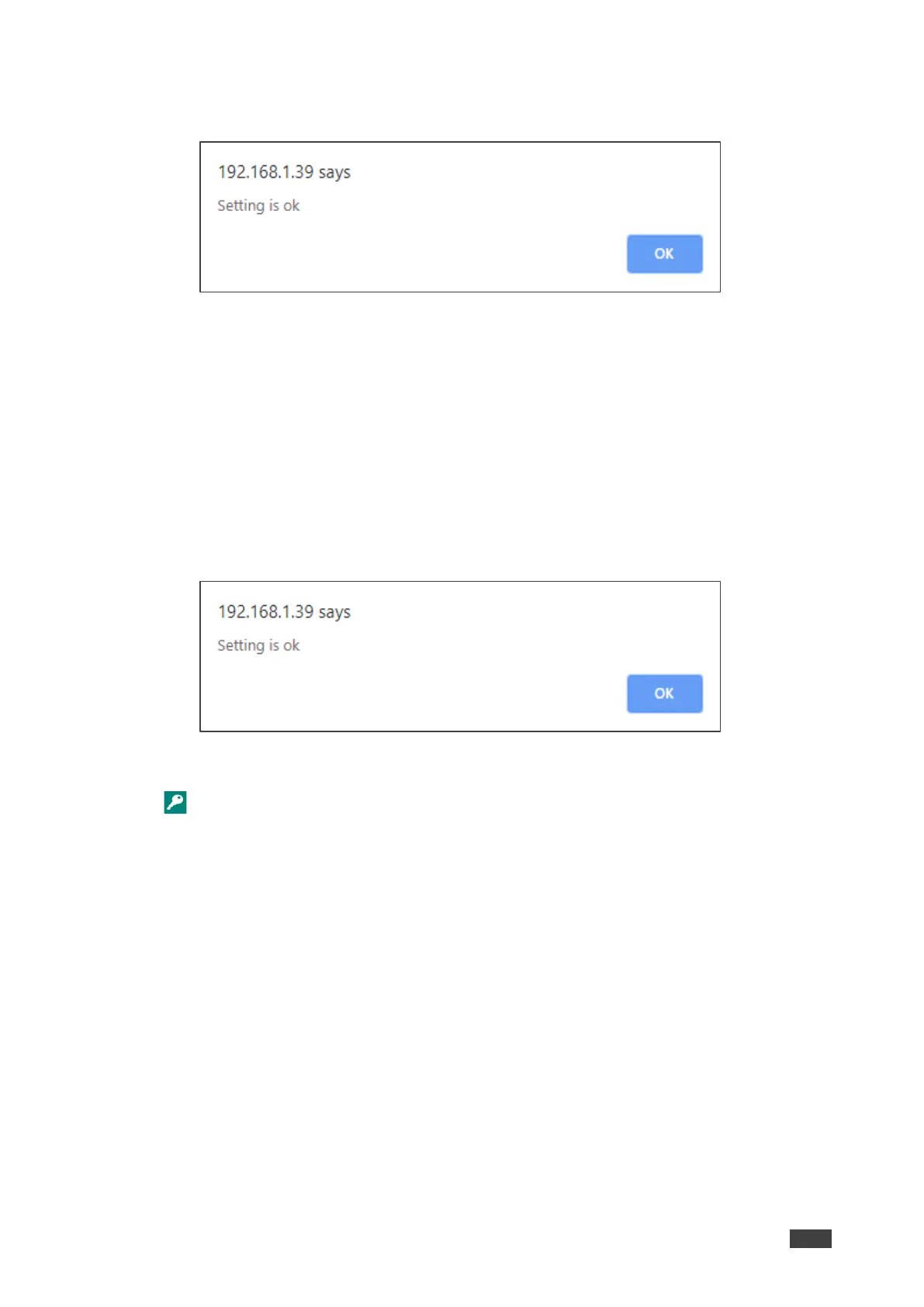
The following message appears:
Figure 37: Authentication Page – Security Disable Confirmation
4. Click OK.
Authentication is not required.
To enable security:
1. In the Navigation pane, click Security. The Security page appears.
2. Check Authenticate Web pages Access.
Previous credentials are restored.
3. Click Set changes.
The following message appears:
Figure 38: Security – Security Enable Confirmation
4. Click OK.
appears, and authentication is now required.


 To Next Page