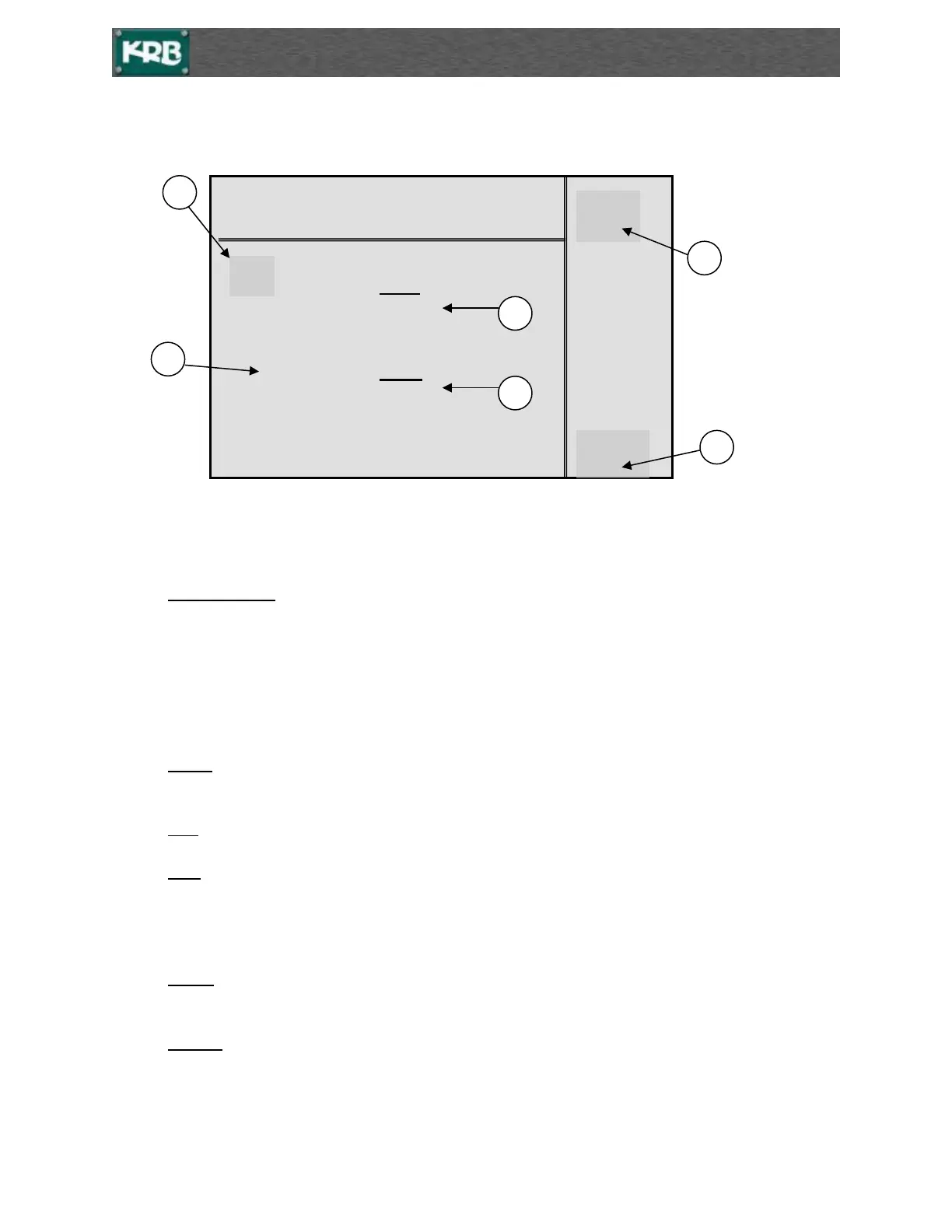
Main Operation Screen
*Press ESC from any screen to return to the Main Operation screen.*
1. Preset number 1 to 6 or it is the set bar size and radius in feet and inches or when set to metric
the read out is in meters and .00 meters (centimeters).
Example: 7 (# 7 Bar)
02 – 04 ( #7 bar with a 2 foot 4 inch radius)
or when set up for Metric
22 (22 millimeter Bar)
00.71 (71 centimeter radius or a .71 Meter radius)
2. Count. This is the value that the control will use to position the measuring roll to achieve a given
radius.
3. REF. This is the count value being used to position the measure roll.
4. POS. This is the actual position of the measuring roll. This should read 000 within a few numbers
when the measuring roll is at its home position. When the measuring bend roll is positioning this
number will be changing. This fact indicates that the signals from the pulse coder are reaching the
controller.
5. Set F4. Press F4 to view or retrieve radius setups stored in the memory on the stored setup
screens.
6. CFG F1. Press F1 to go to Controller Configuration screen.
KRB Radius Bender
275
REF
2 000 275
3 000
4 000 POS
5 000 000
6 000
<ENT> TO POSITION
[inch] POSITIONING
-04



 To Next Page