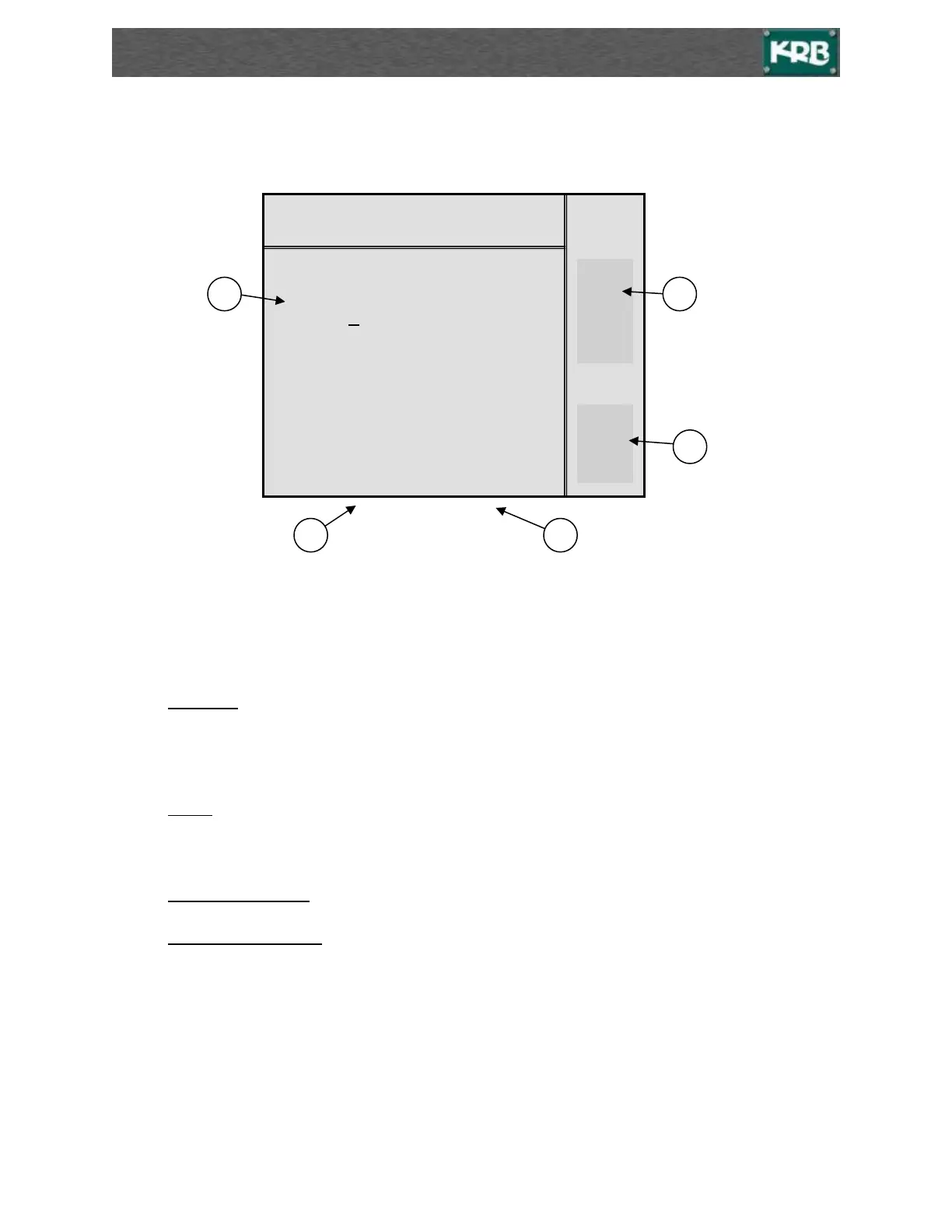
Stored Setup Screen
*Press ESC to return to Main Operation screen.*
1. There are 32 possible memory locations to store setups for each bar size #3 bar to #11 bar or
when set for Metric 10mm bar to 36mm bar. Press F1 or F2 to select the different pages.
2. Radius (I) 00-00 this is the radius in feet and inches. (2 feet 4 inches: 02-04)
Or when set to Metric
00.00 this is the radius in meters and .00 meters. (1 meter 12 centimeters: 01.12)
3. Count is what will be entered on the Main Screen to position the measuring roll. The number in
counts does not directly represent any particular measurement.
4. F4 + Bar F3 - . Press F4 or F3 to access stored radius setups for different bar sizes.
5. F2 + PAG F1 - . Press F2 or F1 to change the page to get to all 32 memory locations of each
bar size.
BAR 7
RADIUS <I> COUNT
1 00-00 000
2 → 02-04 275
3 00-00 000
4 00-00 000
5 03-01 250
6 00-00 000
7 04-01 220



 To Next Page