14
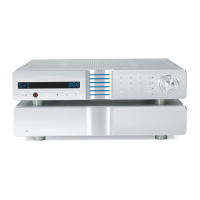
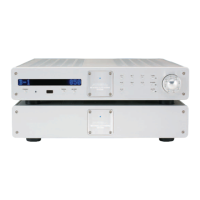
Operating the Evolution 202
After the Evolution 202 is connected to your system and to AC power, and the
front panel display has stopped scrolling, begin operation:
1. Press the power button (1) on the front panel, or the remote control power key.
The standby/power LED turns blue. The display shows the factory default
input:
S-1, and level: -INF. The Evolution 202 is now in the operational mode.
2. With the preamplifier output muted, or the volume fully attenuated, select a
source manually using the front panel input select buttons (8, 9, or 10) or the
remote input select keys. Start playing the source. Use the level control knob
(14) or the remote level keys to set the volume to a comfortable level.
3. To return the preamplifier to the stand-by mode, press the power button (1) or
remote power key
.
Krell recommends leaving the Evolution 202 in the stand-by mode when it is
not playing music.
(SECTION THREE: Quick Start)









 To Next Page